-----------_e
••••
Adjusting the Picture: Exposure, Focus and Color
If
you
operate
the
zoom
or
the
multi
selector
(
.....
~
) during infinity focus,
00
changes
to
"MF" and the
camcorder
returns to
manual
focusing mode.
1 Adjust the zoom.
~
2 Keep
(T)
[FOCUS]
pressed down for
~
more than 2 seconds.
•
00
appears.
• Pressing
(T)
IFOCUS I again will
return to autofocus.
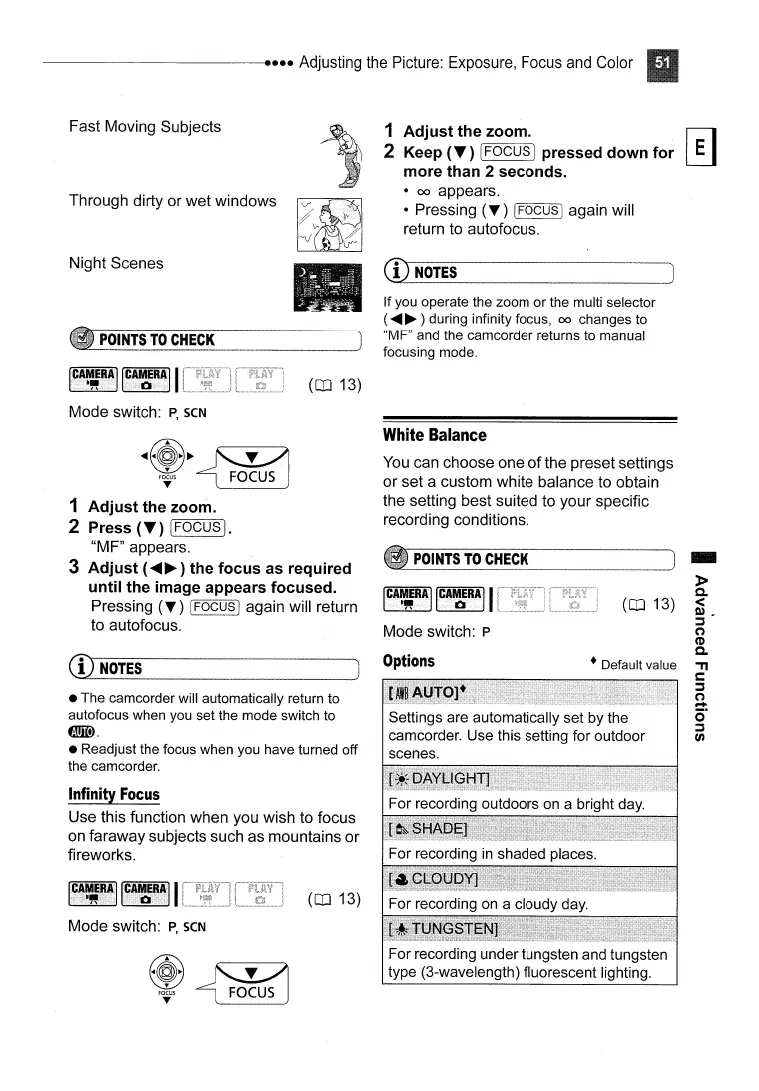
Fast Moving Subjects
Through dirty or wet windows
Night Scenes
POINTS
TO
CHECK
ICAt#RAIIC~RAII
Mode switch:
P,
SCN
(OJ 13)
CD
NOTES
.~
White
Balance
You
can choose one
of
the preset settings
or set a custom white balance to obtain
the setting best suited to your specific
recording conditions.
-
»
Co
<
Q),
::]
("')
CD
Co
'TI
s:::
::]
("')
.....
o·
::]
(J)
(OJ 13)
• Default value
POINTS
TO
CHECK
1~~IRjlIICA~RjlJ
I
Mode switch: P
Options
(OJ 13)
Mode switch:
P,
SCN
Infinity
Focus
Use this function when you wish to focus
on faraway subjects such as mountains or
fireworks.
~@~~
F~S
~
1 Adjust the zoom.
2 Press
(T)
(FOCUS].
"MF" appears.
3 Adjust (
.....
~)
the focus as required
until the image appears focused.
Pressing
(T)
[FOCUS I again will return
to autofocus.
•
The
camcorder
will
automatically
return
to
autofocus
when you
set
the
mode
switch to
fmID.
•
Readjust
the
focus
when
you
have
turned
off
the camcorder.
CD
NOTES
For recording under tungsten and tungsten
type (3-wavelength) fluorescent lighting.



 To Next Page