Using
the
Recording
Programs
p
filliID
SC
N
fD)Auto
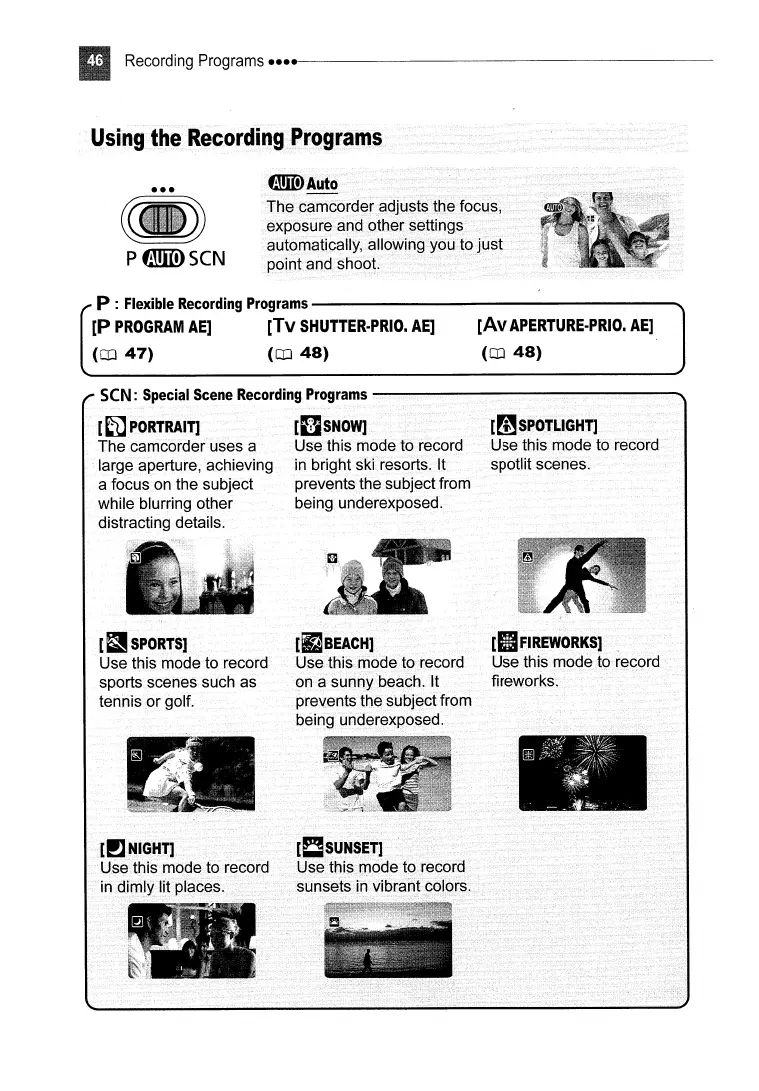
The camcorder adjusts the focus,
exposure and other settings
automatically, allowing you to
just
point and shoot.
[Av
APERTURE·PRIO.
AE]
(CD
48)
P:R~~~RecM~ngProgrnms~~~~~~~~~~~~~~~~~-
[P
PROGRAM
AE]
[Tv
SHUTTER·PRIO.
AE]
(CD
47)
(CD
48)
[mSPOTLIGHT]
Use this mode to record
spotlit scenes.
[I]
SNOW]
Use this mode to record
in
bright ski resorts. It
prevents the subject from
being underexposed.
seN:
Special
Scene
Recording
Programs
---
.............................................
~~~~~
...................................
[~
PORTRAIT]
The camcorder uses a
large aperture, achieving
a focus on the subject
while blurring other
distracting details.
[~SPORTS]
Use this mode to record
sports scenes such as
tennis
or
golf.
[rJBEACH]
Use this mode to record
on a sunny beach. It
prevents the subject from
being underexposed.
[II
FIREWORKS]
Use this mode to record
fireworks.



 To Next Page