~~~~~~~~~~~~~~~~~~~~
••••
Other
Recording
Options
[
~E
EFFECT]
Effects
Add flavor to your recordings. Sound will
be
recorded normally.
You
can preview
the effect
on
the display.
[m
MULTI-S]
Multi-Image
Screen
([IJ
60)
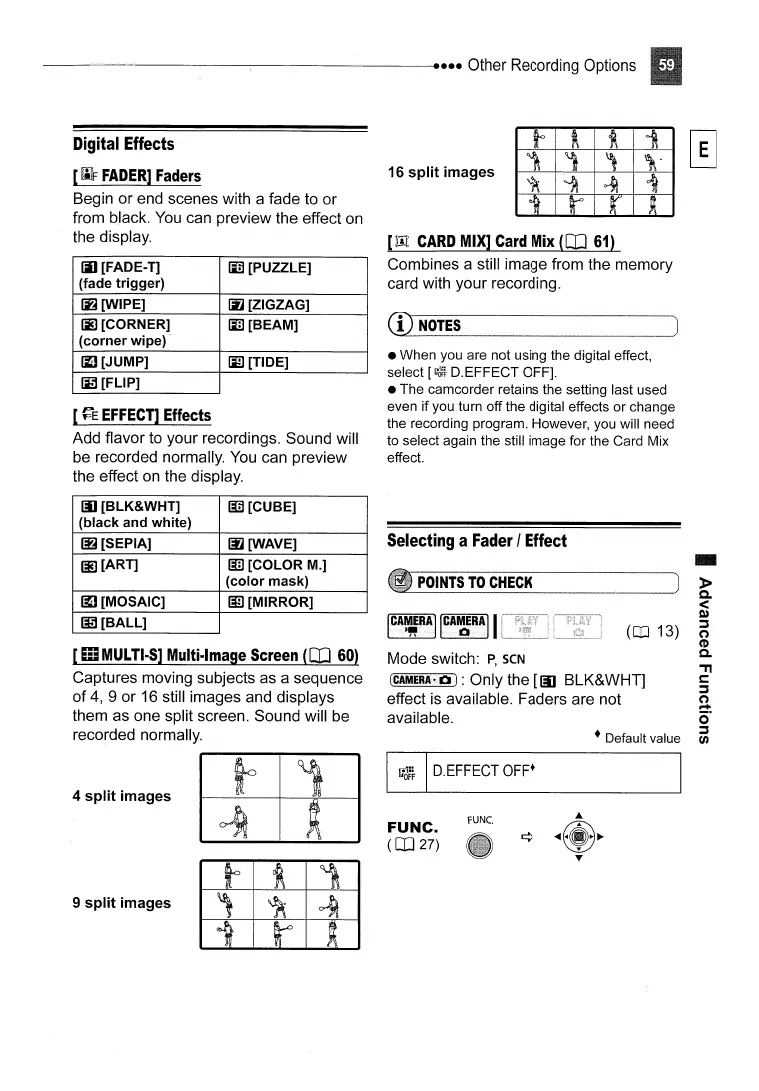
Captures moving subjects as a sequence
of
4,
9 or
16
still images and displays
them as one split screen. Sound will be
recorded normally.
-
»
a.
<
Co)
:::s
o
CD
a.
'TI
t:
:::s
o
....
o'
:::s
tJ)
(CD
13)
to
~
~
i
1
,
,
\.
~
~
~
i
it r r
~
rUNe.
• Default value
POINTS
TO
CHECK
Mode switch:
P,
seN
[CAMERA-lOll:
Only the
[[IJ
BLK&WHT]
effect
is
available. Faders are not
available.
FUNC.
(CO
27)
Selecting
a
Fader
I
Effect
16 split images
• When you are not using the digital effect,
select
[(;"3~}
D.EFFECT OFF].
• The camcorder retains the setting last used
even if you turn off the digital effects or change
the recording program. However, you will need
to select again the still image for the Card Mix
effect.
[:lIt
CARD
MIX]
Card
Mix
([IJ
61)
Combines a still image from the memory
card with your recording.
CD
NOTES
[!J
D.EFFECT
OFF·
4 split images
(jJ [FADE-
T]
li1l
[PUZZLE]
(fade trigger)
~[WIPE]
[ij
[ZIGZAG]
IE
[CORNER]
Ii3
[BEAM]
(corner wipe)
[I]
[JUMP]
liD
[TIDE]
~[FLlP]
iii [BLK&WHT]
lI3 [CUBE]
(black and white)
~[SEPIA]
~[WAVE]
[i]
[ART]
liD
[COLOR M.]
(color mask)
~[MOSAIC]
IE
[MIRROR]
~[BALL]
Digital
Effects
[
WF
FADER]
Faders
Begin or end scenes with a fade to or
from black.
You
can preview the effect on
the display.
9 split images



 To Next Page