1. When confirmation screen to register rejected number is displayed, tap Yes.
2. Select a registration number.
3. Select a registration method.
4.
Register rejected number.
Register the rejected number depending on the registration method.
•
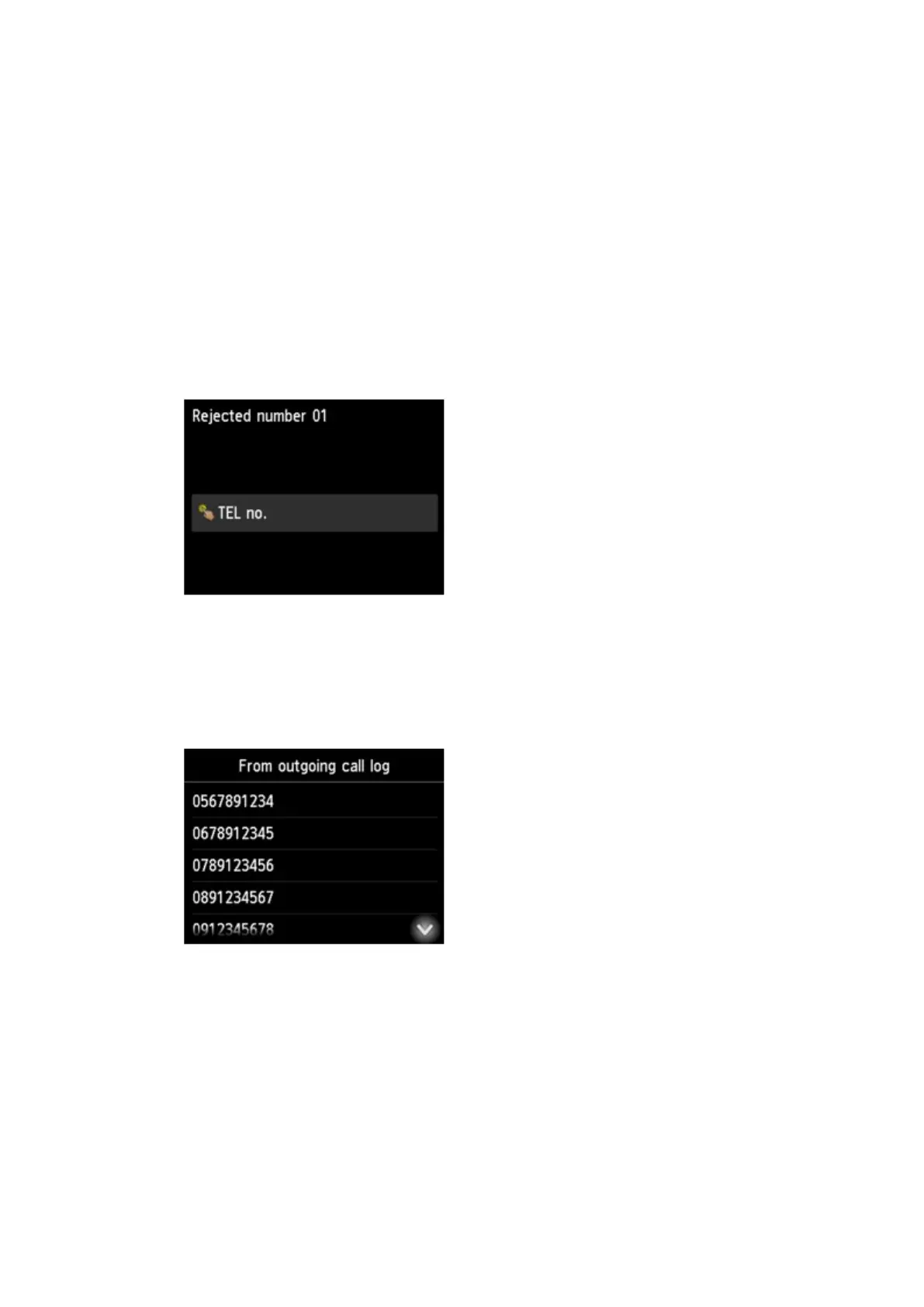
By entering the number
When you select this registration method, the screen to register the fax/telephone number is
displayed.
Tap the entry field of fax/telephone numbers to display the screen to enter the fax/telephone
number. Enter the fax/telephone number you want to register, and then tap OK.
•
From outgoing call log
When you select this registration method, the screen to select the fax/telephone number from
the outgoing call logs is displayed.
Tap a fax/telephone number you want to register.
•
From incoming call log
When you select this registration method, the screen to select the fax/telephone number or the
name from the incoming call logs is displayed.
1005









 To Next Page