Loading Originals on the Platen Glass
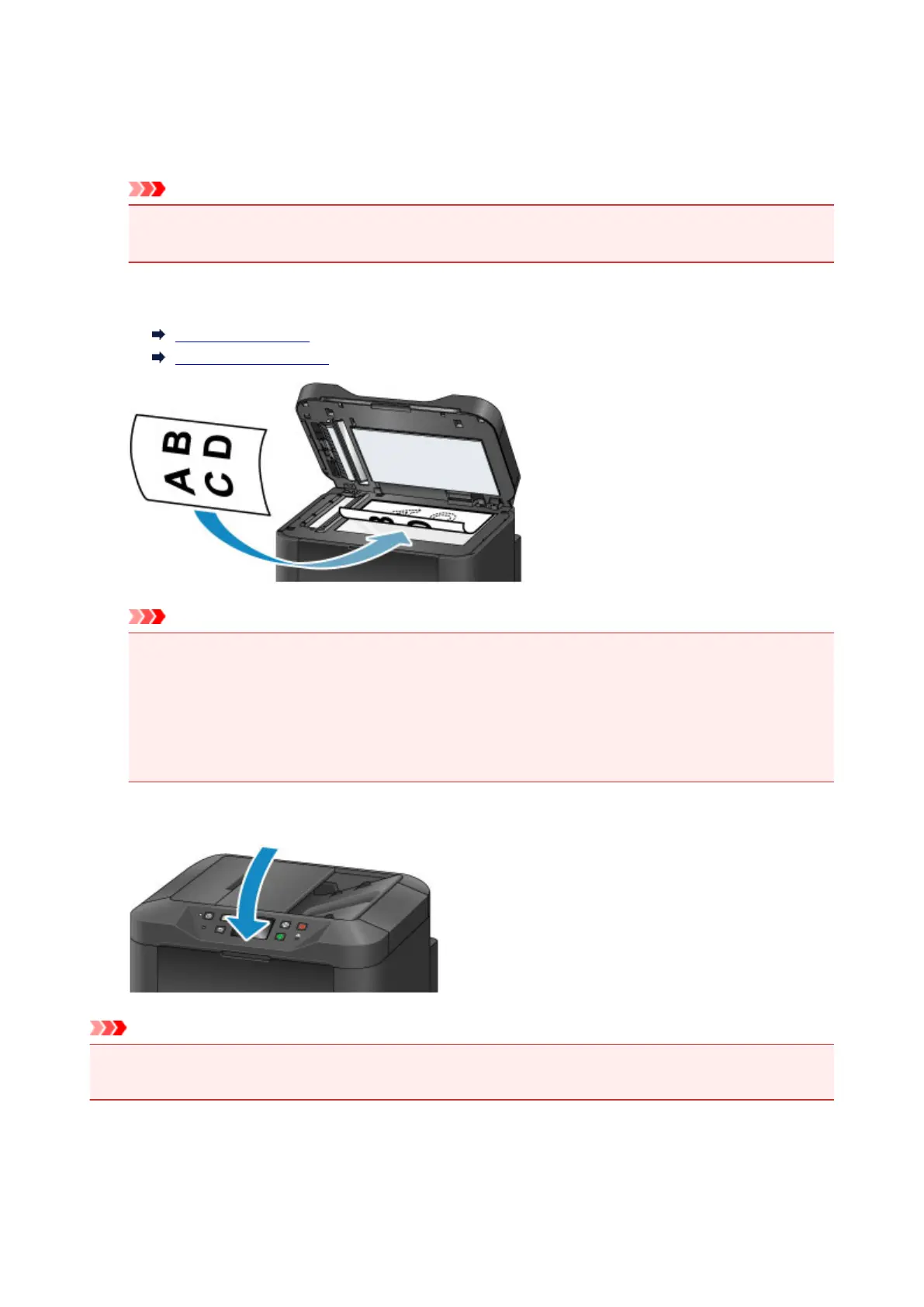
1. Open the document cover.
Important
• When opening or closing the document cover, be careful not to touch buttons or the touch screen
on the operation panel. This may cause unexpected operation.
2.
Load the original face-DOWN on the platen glass.
Supported Originals
Loading Based on Use
Important
• Note these precautions when loading originals on the platen glass.
• Do not place any objects weighing 4.4 lb (2.0 kg) or more on the platen glass.
•
Do not apply pressure of 4.4 lb (2.0 kg) or more against the platen glass, as by pressing down
on originals.
This may prevent correct scanning or damage the platen glass.
3.
Close the document cover gently.
Important
• After loading an original on the platen glass, close the document cover before copying, faxing, or
scanning.
186









 To Next Page