Checking Connection Status between Printer and Wireless Router
Follow the procedure below to check the wireless router information detected by the printer.
Detects wireless routers around the printer and the detected ones are listed. Use this menu to make sure
whether the printer is located properly.
1. Start up IJ Network Device Setup Utility.
The detected printers are listed.
2.
Select printer to check connection status between printer and wireless router from printer
list.
Select the printer with Available displayed on Status and Wireless LAN displayed on Connection
Method.
3.
Select Status of Printer and Wireless Router Connection on View menu.
The Confirm Printer Password screen appears.
For more on the password, refer to
Administrator Password.
4.
Enter password and click OK.
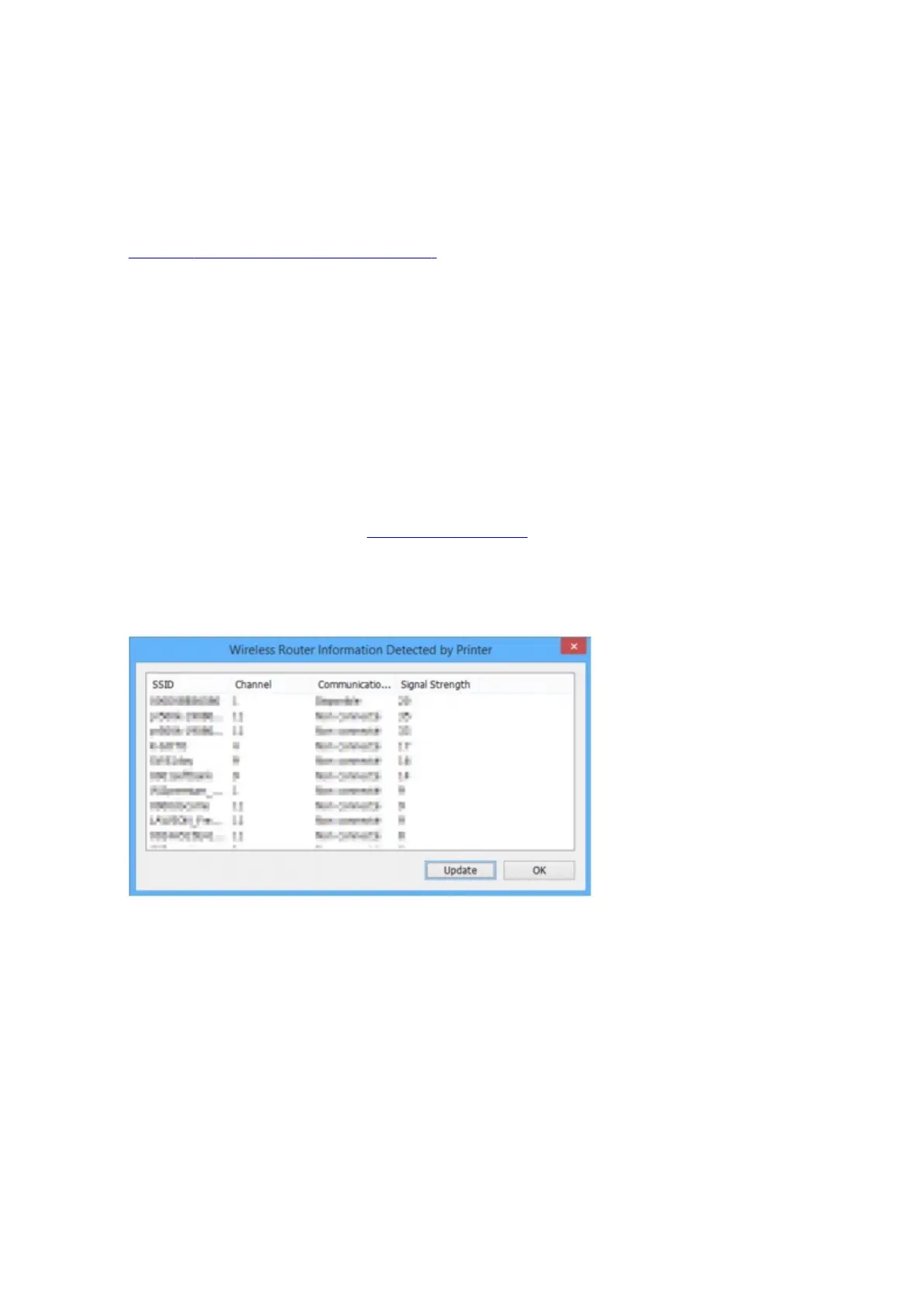
The screen below appears.
Clicking Update searches wireless routers again.
5. Click OK to close screen.
392









 To Next Page