Unplugging the Machine
Always follow these steps when unplugging the machine.
Important
• Unplug the machine only after pressing the ON button and confirming that the POWER lamp is off.
Unplugging the machine while the POWER lamp is still on may cause the print head to dry out or
become clogged, which may affect print quality.
• Unplugging the machine will erase all documents in the machine's memory. Send faxes, print
documents, or save jobs to a USB flash drive as needed before unplugging the machine.
1.
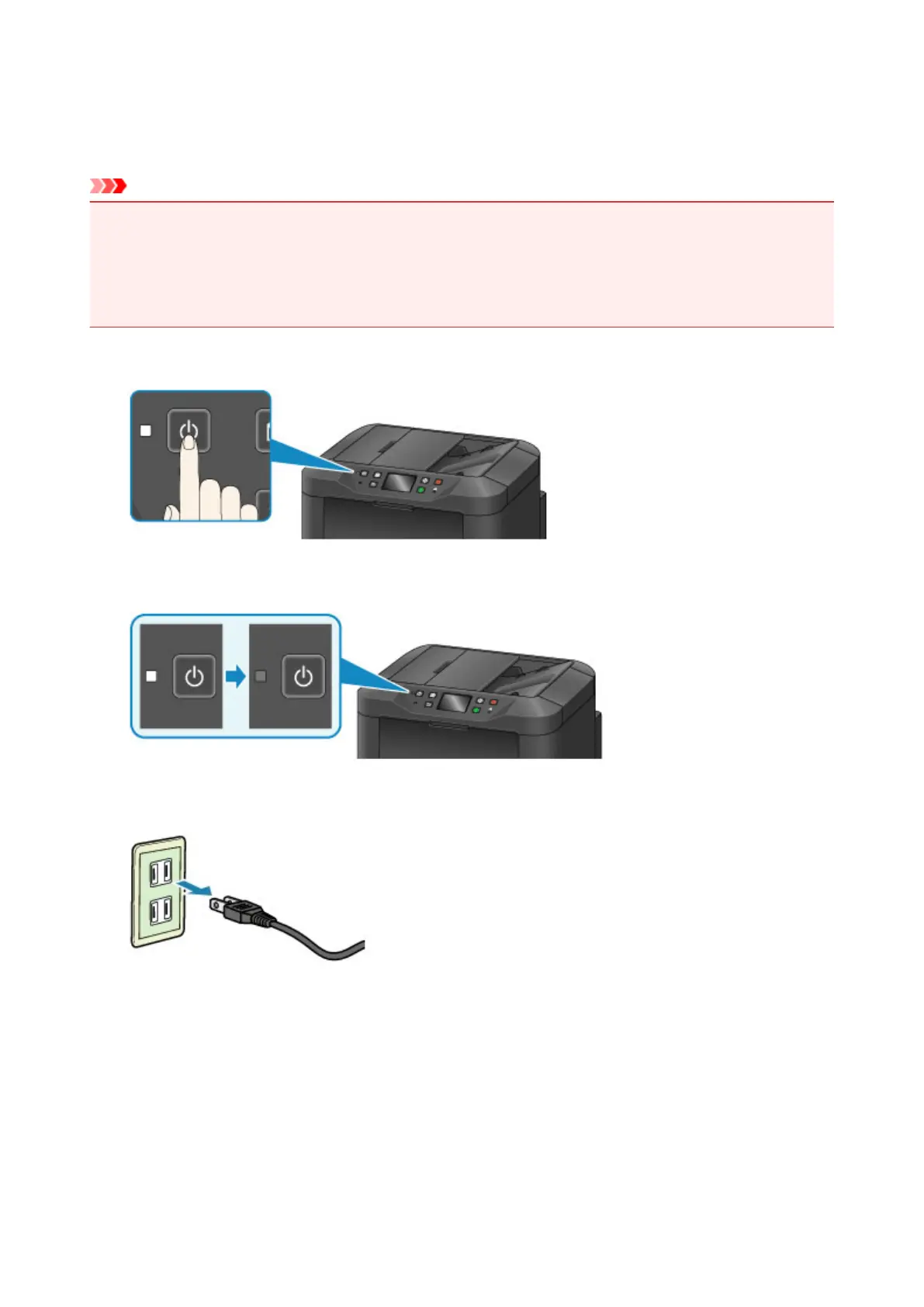
Press the ON button to turn the machine off.
2.
Confirm that the POWER lamp is off.
3.
Unplug the machine.
Power cord specifications vary by region.
273









 To Next Page