Registering Recipients' E-Mail Address
Before you can use the printer's address book, you need to register the recipients' e-mail address. Follow
the procedure below to register the recipients' e-mail address.
1. Make sure printer is turned on.
2.
Flick HOME screen and tap Scan.
Using the Operation Panel
The screen for selecting to which you save the data is displayed.
3.
Tap Attach to E-mail.
4.
Tap E-mail directly from device.
5.
Tap Edit e-mail address book.
6.
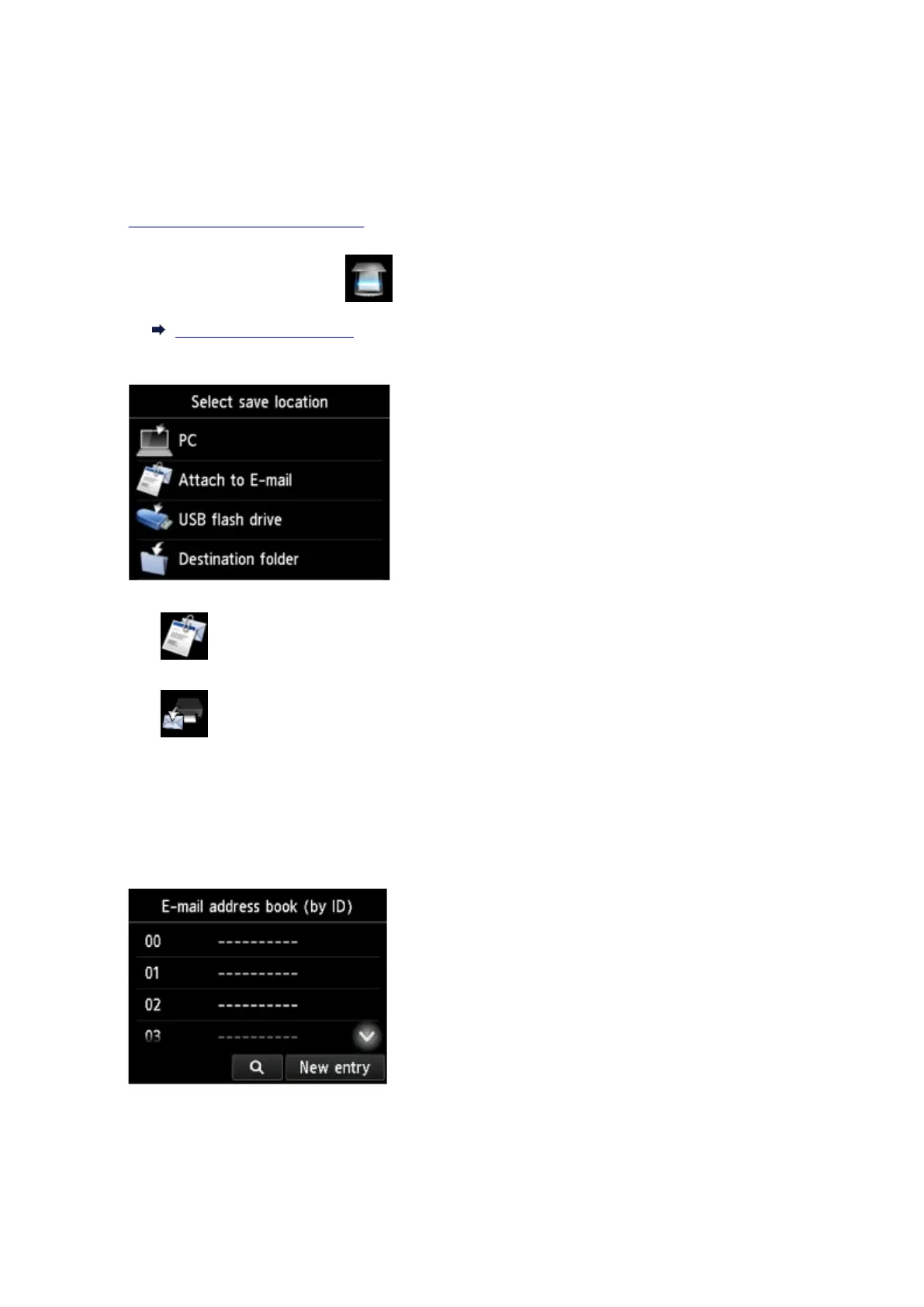
Tap Display e-mail address book.
The screen to select an ID number is displayed.
891









 To Next Page