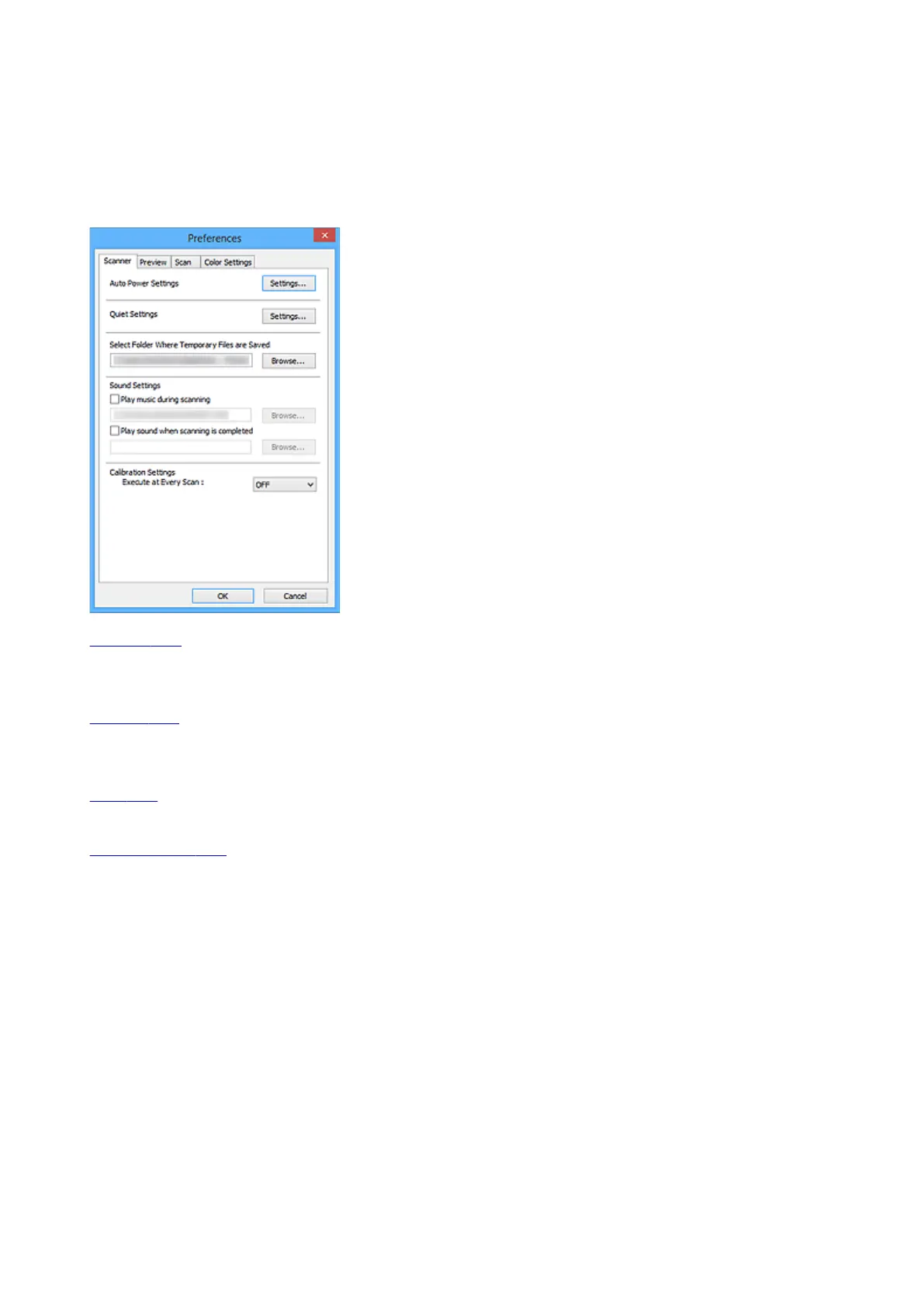
Preferences Dialog Box
In the Preferences dialog box, you can make advanced settings to ScanGear (scanner driver) functions via
the Scanner, Preview, Scan, and Color Settings tabs.
Click Preferences... in the ScanGear screen to open the Preferences dialog box.
Scanner Tab
Allows you to set the auto power settings, specify the folder in which to save images temporarily, and
set the music file to play during or at the end of a scan.
Preview Tab
Allows you to select what to do with Preview when ScanGear is started, how to display cropping frames
after previewing images, and the cropping size for thumbnails of scanned documents.
Scan Tab
Allows you to select what to do with ScanGear after scanning image.
Color Settings Tab
Allows you to select how to adjust color, and specify the monitor gamma value.
836









 To Next Page