Printing Documents from Your Computer (Windows)
Print documents from applications on a computer or other device as follows.
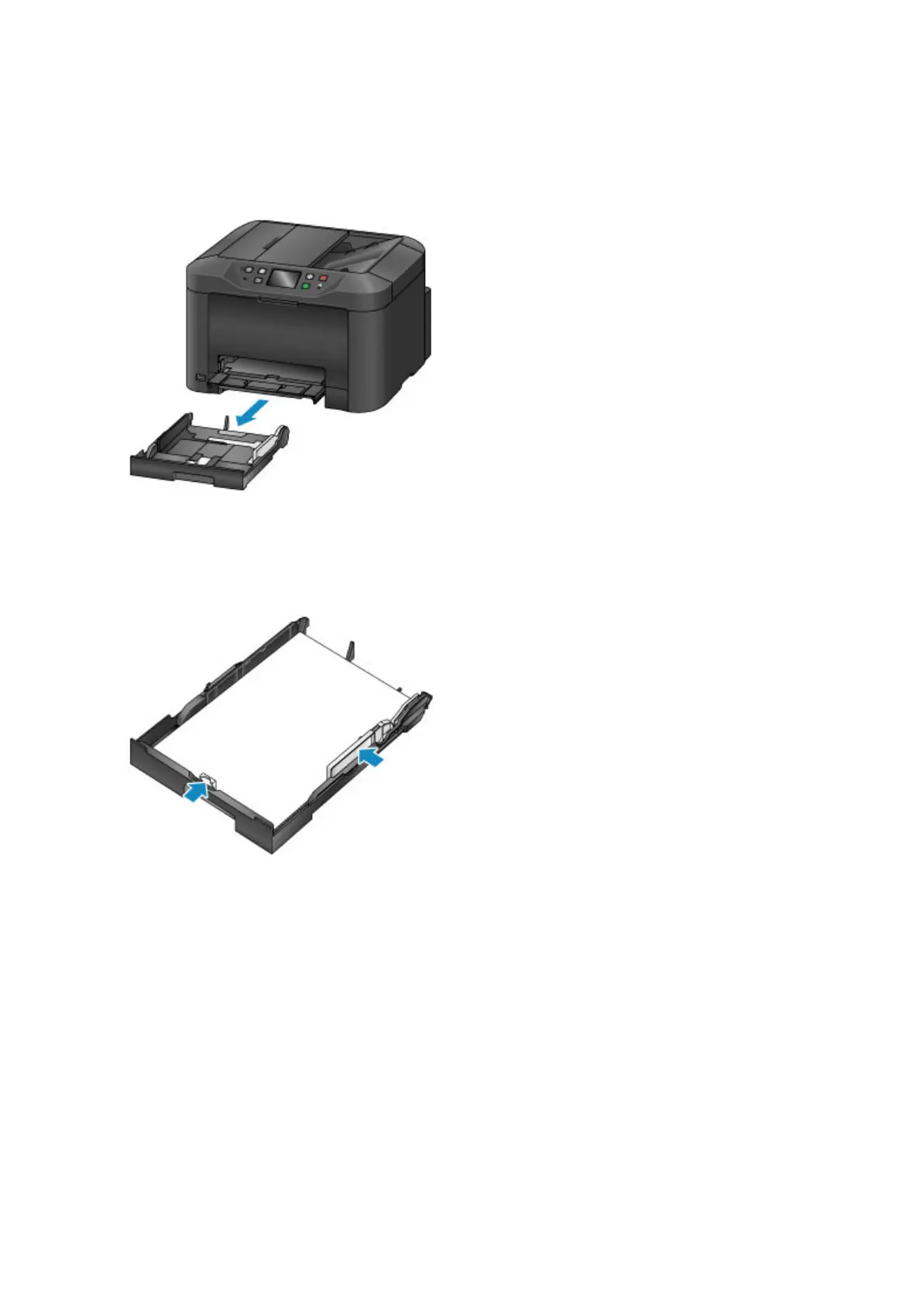
1. Pull out the cassette.
2.
Load paper printing-side DOWN.
3.
Align the paper guides with the paper length and width.
4. Insert the cassette.
After you insert the cassette, a screen for registering paper information for the cassette is displayed on
the touch screen.
5. Select the size and type of paper in the cassette in Page size and Type, and then tap
Register.
36









 To Next Page