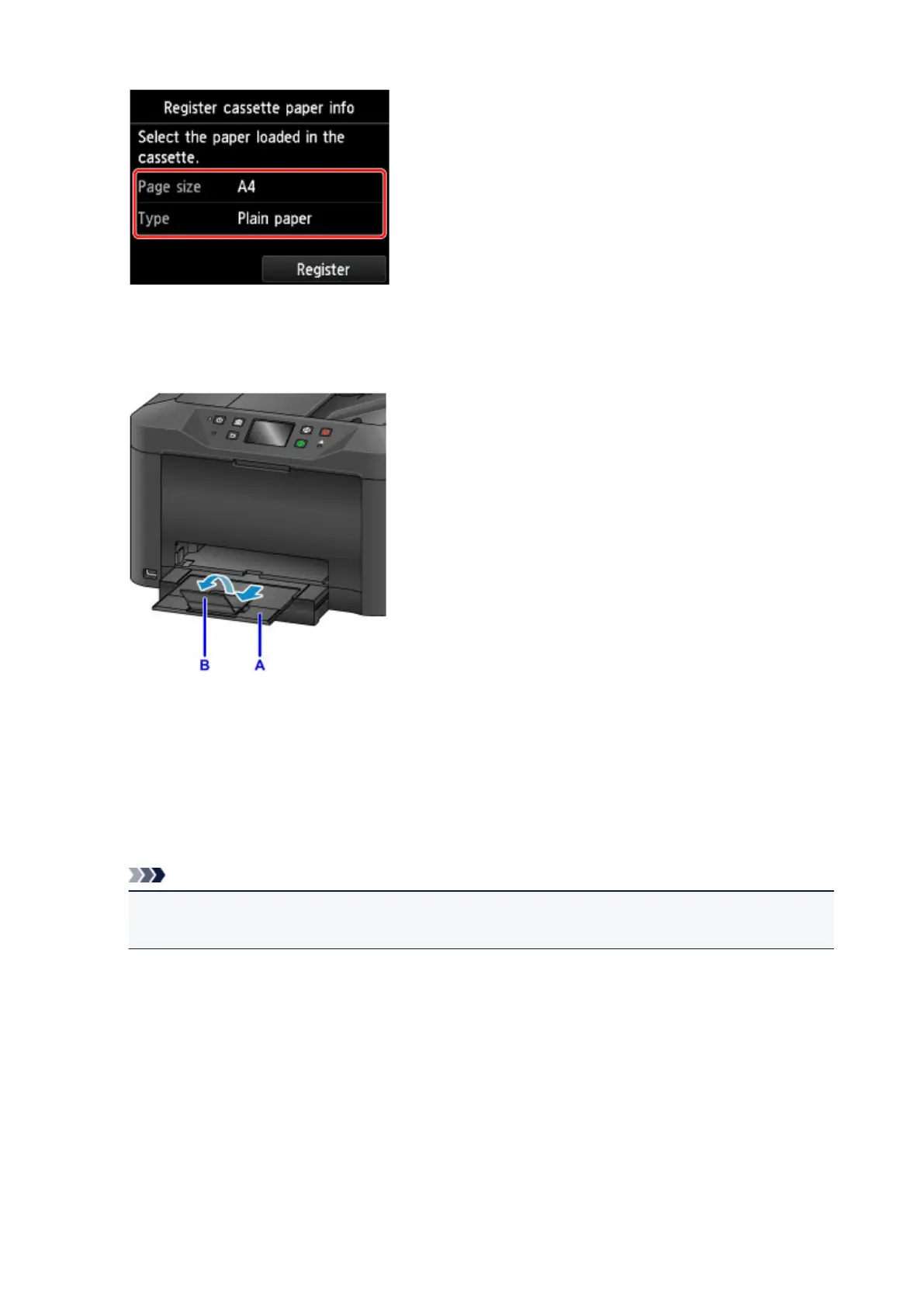
Follow the instructions of any messages displayed to register the paper information.
6.
Pull out the output tray extension (A) and open the paper output support (B).
7.
In the application, select Print.
You can often access the Print dialog box by selecting Print in the File menu.
8.
Select the model name and click Preferences (or Properties).
Printer driver settings are displayed.
Note
•
Command and menu names vary by application, and printing may involve more steps. For
detailed instructions, refer to the application user manual.
9. Select a typical printing profile.
In Commonly Used Settings on the Quick Setup tab, select a profile that suits the purpose of printing.
Once you select a printing profile, preset values are automatically applied to Additional Features,
Media Type, and Printer Paper Size settings.
37









 To Next Page