Aligning the Print Head Manually
Try aligning the print head manually after automatic alignment if printing results are not as expected, as
when parallel lines are not printed parallel.
Note
• For details on automatic print head alignment, see Aligning the Print Head.
What you will need: two sheets of A4 or Letter-sized plain paper
1.
Make sure the machine is on.
2.
Flick the HOME screen, and then tap Setup.
Using the Operation Panel
The setup menu screen is displayed.
3.
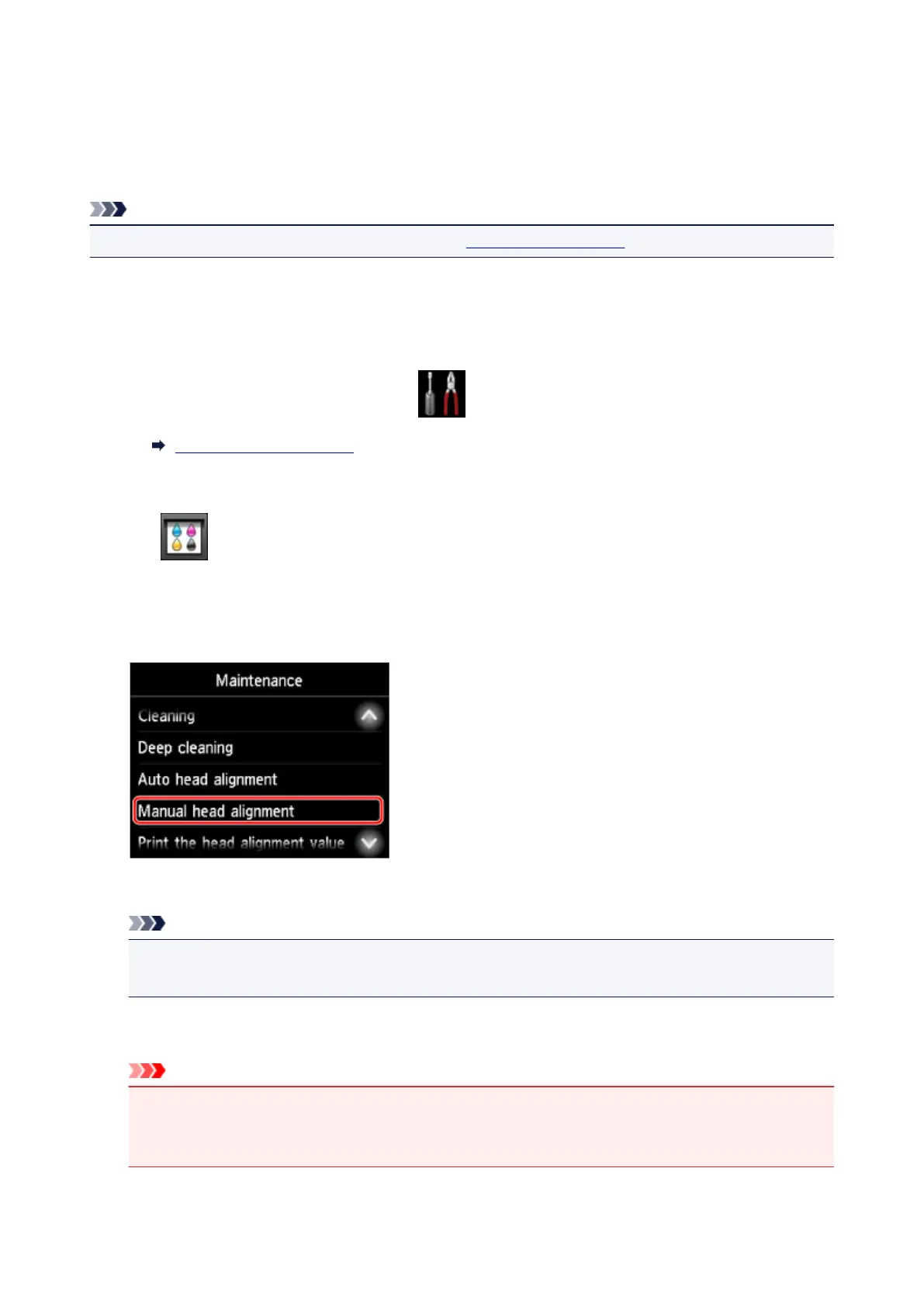
Tap Maintenance.
The Maintenance screen is displayed.
4.
Tap Manual head alignment.
A confirmation screen is displayed.
Note
•
To print and check the current head position alignment values, select Print the head alignment
value.
5. Load two sheets of A4 or Letter-sized plain paper in the cassette.
Important
•
The screen for registering page size and media type is not displayed during any of the operations
available in the Maintenance screen. Therefore, printing will be executed even if paper other than
A4 or Letter-sized plain paper is loaded.
216









 To Next Page