6. Pull out the output tray extension and open the paper output support.
7. Tap Yes.
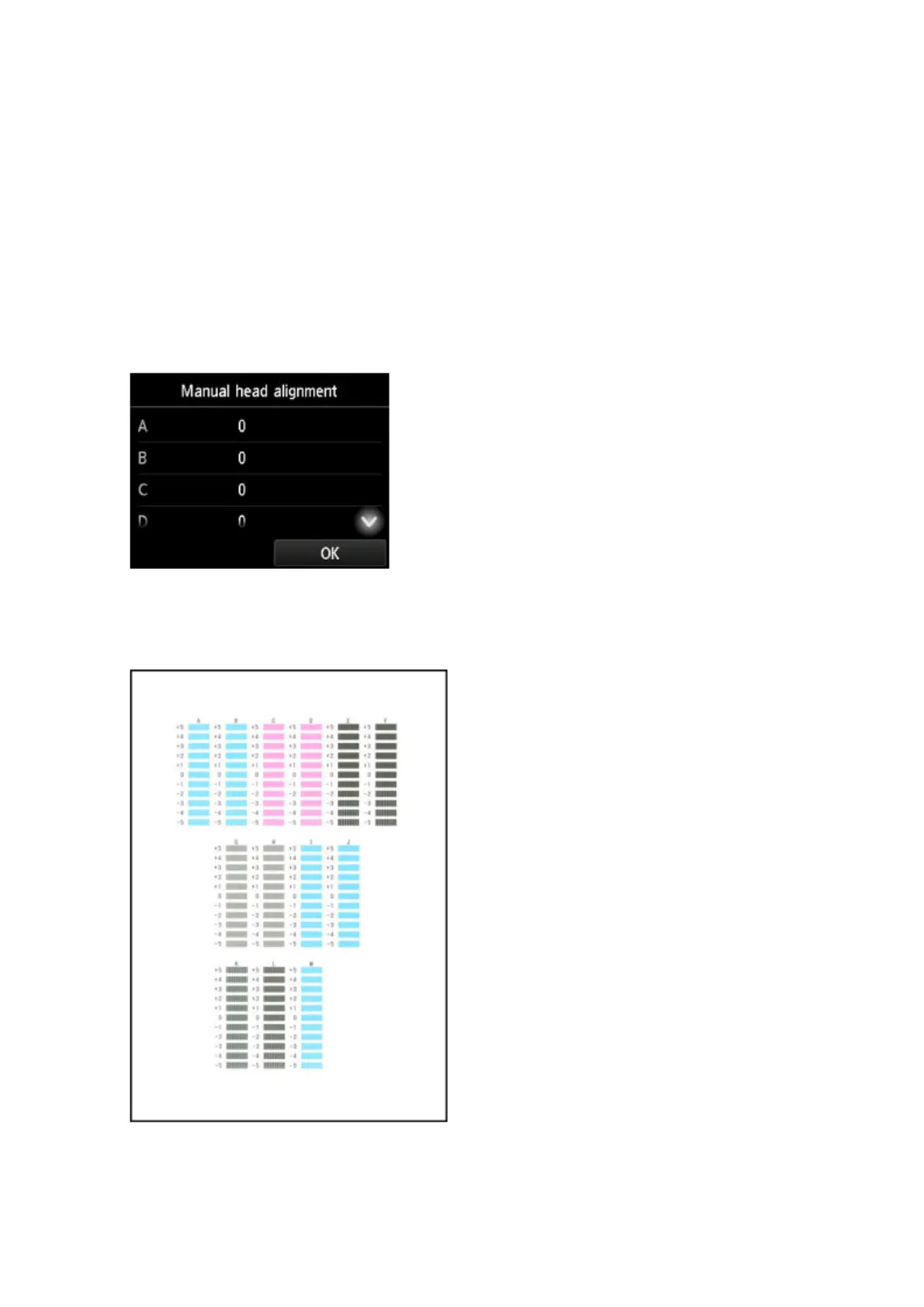
The print head alignment pattern is printed.
8. Confirm that the pattern was printed correctly, and if so, tap Yes after "Did the patterns
print correctly?" is displayed.
9.
Check the message and tap Next.
The input screen for head position alignment values is displayed.
10.
Examine the first patterns and tap A. In column A, find the pattern in which vertical streaks
are least noticeable, and then tap the number of that pattern.
217









 To Next Page