Quiet setting
Select this setting item from HOME screen.
Enables this function on the printer if you want to reduce the operating noise, such as when printing at night.
In addition, you can specify the time range to reduce the operating noise.
Important
• The administrator password is required to change settings if it is enabled for changing settings using
the operation panel.
• Set the current date and time in advance.
Setting Sender Information
Follow the procedure below to perform setting.
1.
Make sure printer is turned on.
2.
Flick HOME screen and tap Quiet setting.
Using the Operation Panel
3.
Tap Use quiet mode or Use during specified hours.
• When Use quiet mode is selected:
The confirmation screen is displayed and the icon appears as the Quiet setting menu icon.
•
When Use during specified hours is selected:
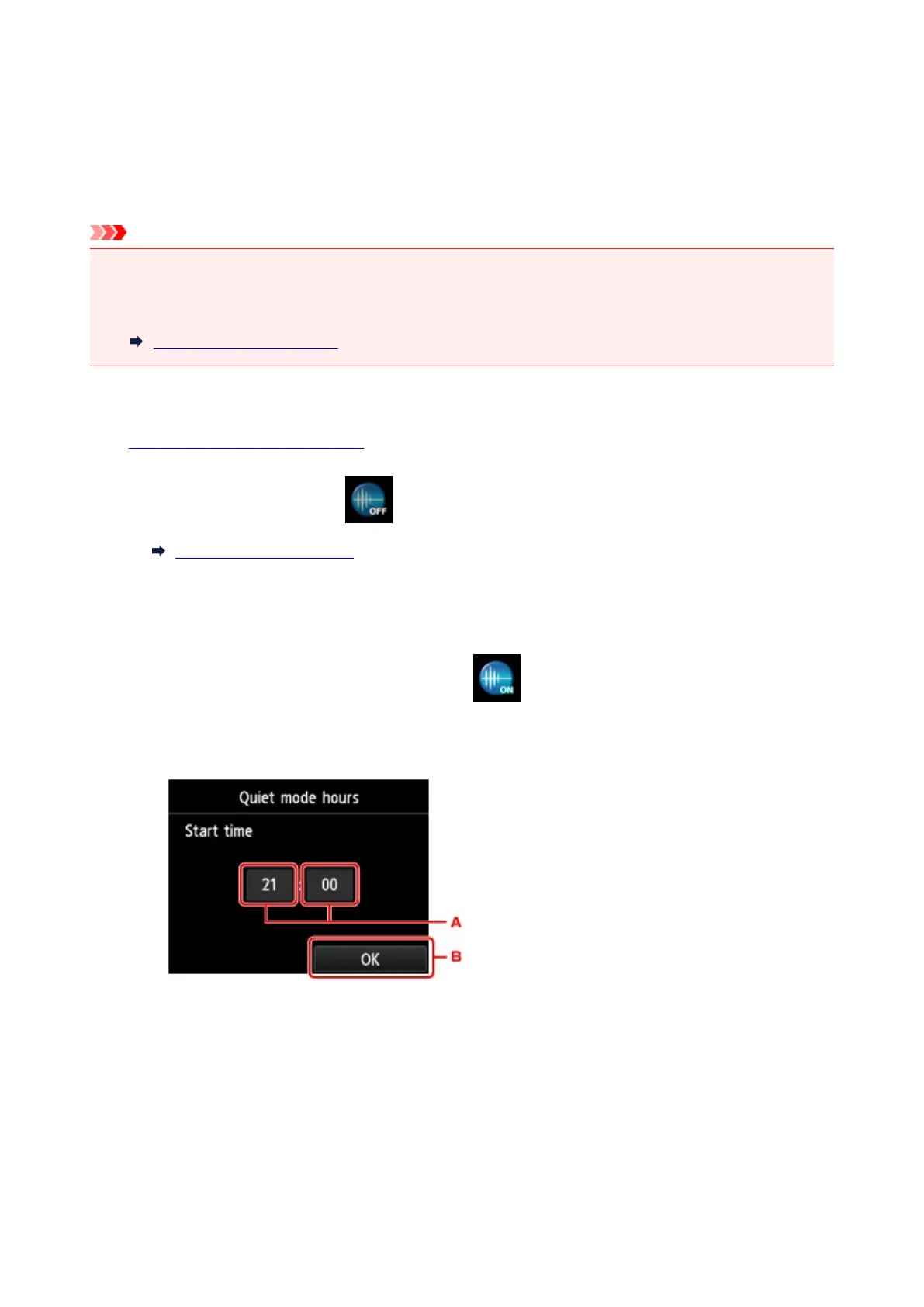
The Quiet mode hours screen is displayed.
A.
Tap to display the screen below.
329









 To Next Page