Printing with Google Cloud Print
The printer is compatible with Google Cloud Print™ (Google Cloud Print is a service provided by Google
Inc.).
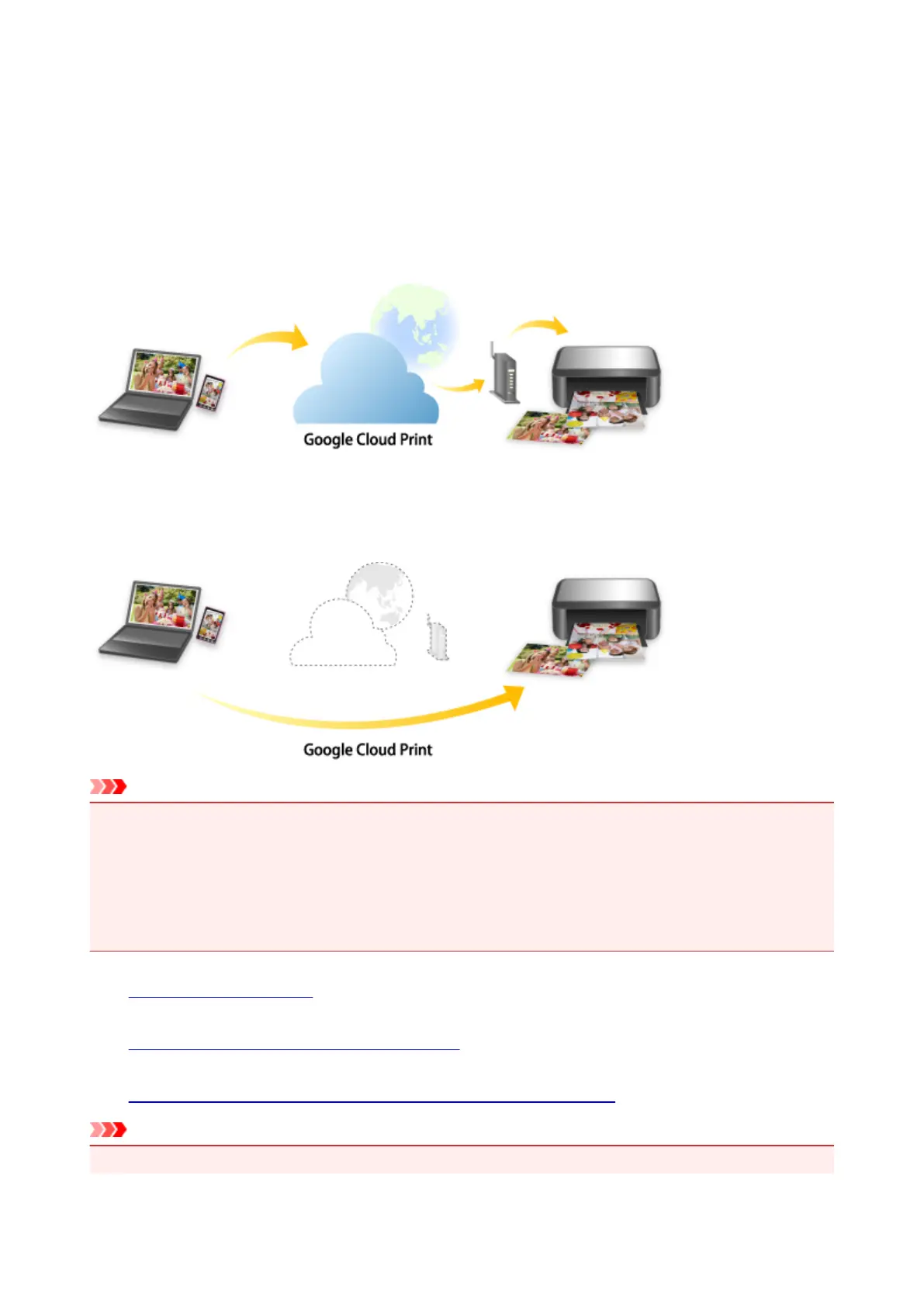
By using Google Cloud Print, you can print from anywhere with applications or services supporting Google
Cloud Print.
Sending Print Data and Printing via Internet
Once you register the printer to Google Cloud Print, you can print from applications or services supporting
Google Cloud Print without internet connection.
Sending Print Data and Printing without Going through Internet
Important
• This function may not be available depending on the country or region you live in.
• To use Google Cloud Print, you need to get Google account and register the printer with Google Cloud
Print in advance.
Additionally, LAN connection with the printer and internet connection are required to register the printer
to Google Cloud Print. Internet connection fees apply.
1. Getting Google Account
2. Registering Printer with Google Cloud Print
3. Printing from Computer or Smartphone with Google Cloud Print
Important
• When the printer owner changes, delete its registration from Google Cloud Print.
587









 To Next Page