Available Connection Methods
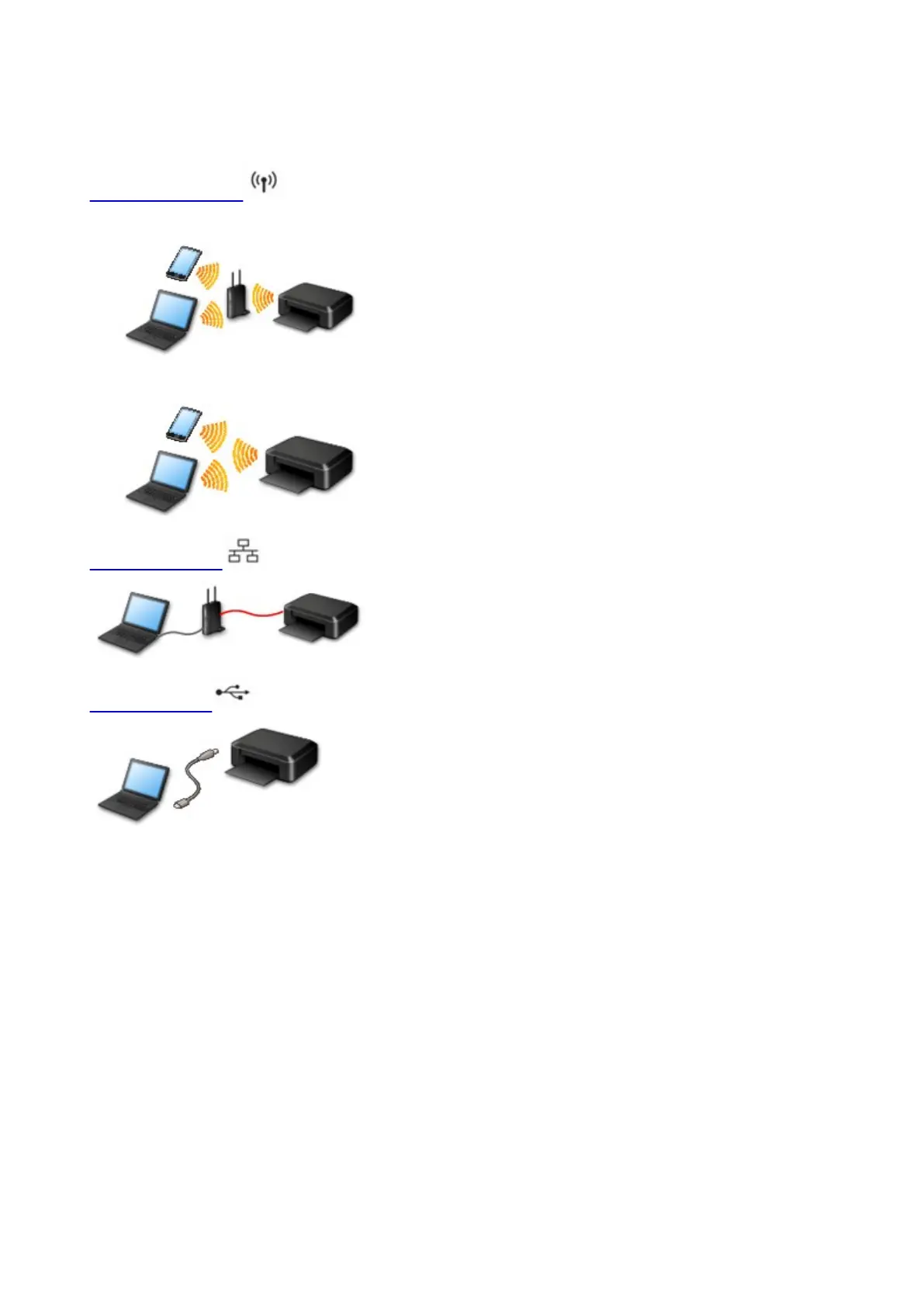
The following connection methods are available on the printer.
Wireless Connection
• With a wireless router
• Without a wireless router
Wired Connection
USB Connection
Wireless Connection
There are two methods for connecting the printer to your device (e.g. smartphone or tablet). One method
is to connect using a wireless router, and the other method is to connect without using a wireless router.
The two connection methods cannot be used at the same time.
If you have a wireless router, we recommend you use the method described in Connection Using a
Wireless Router.
When connecting another device while a device is already connected to the printer, connect it using the
same connection method as the connected device.
If you connect using a different connection method, the connection to the device in use will be disabled.
60









 To Next Page