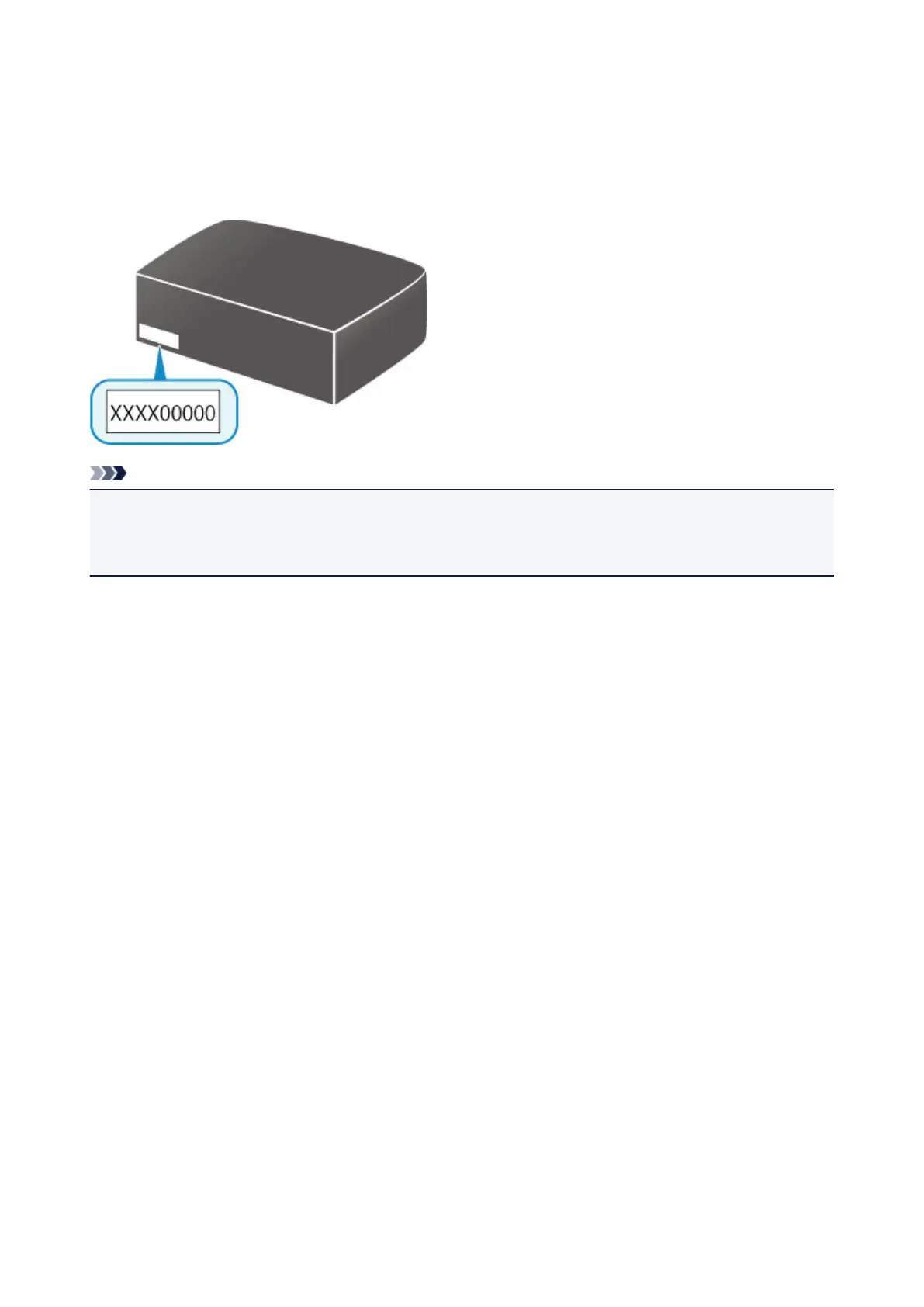
How to locate your printer's serial number
The serial number is printed on a white sticker attached to each printer. The serial number will consists of 9
alphanumeric characters (4 letters followed by 5 numbers).
Example:
Note
• Depending on the printer you are using, you can check the serial number by printing out the network
setting information of the printer. For more on printing, search for "NR044" on your printer's Online
Manual and see the instructions shown.
447









 To Next Page