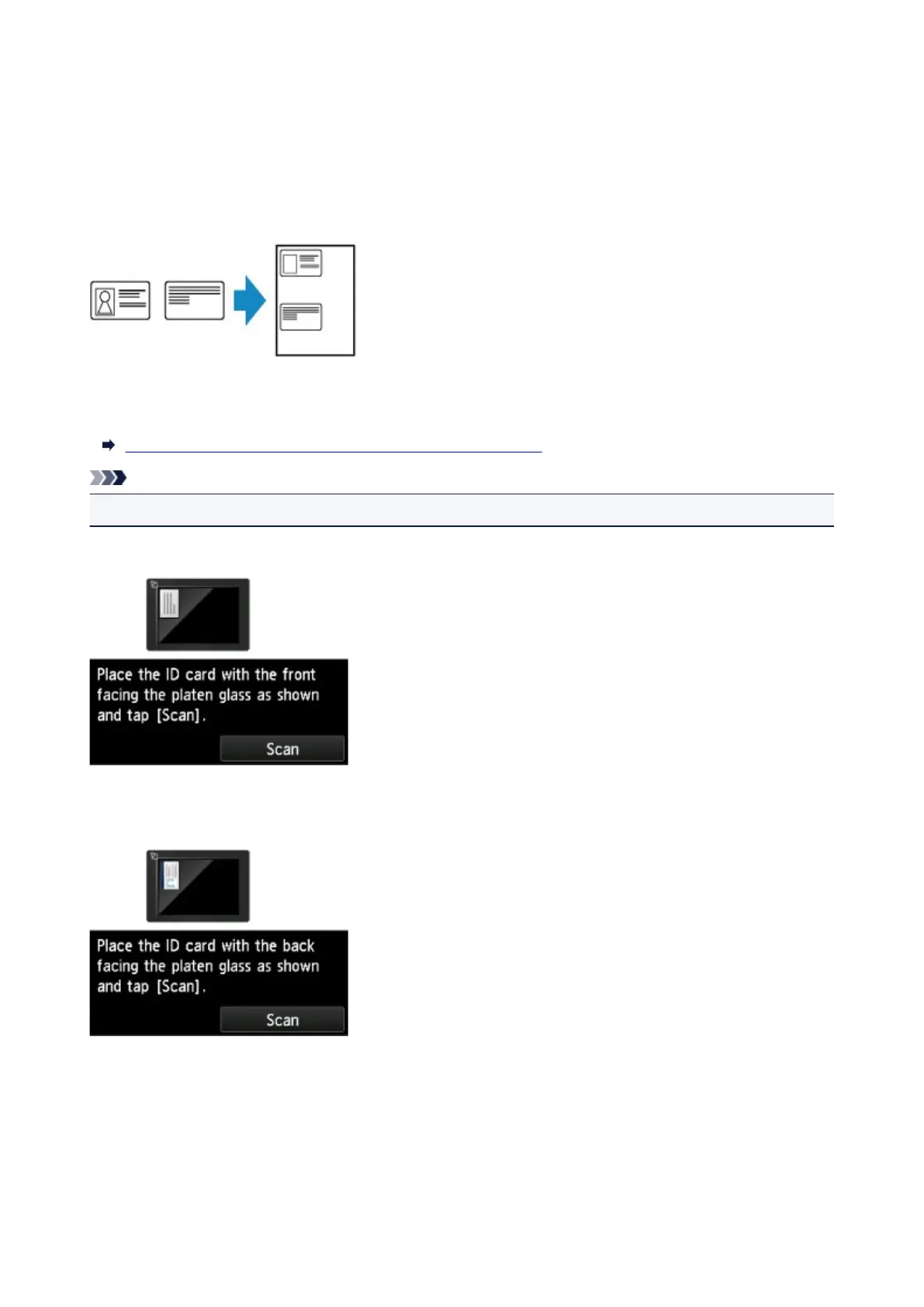
Copying ID Card to Fit onto Single Page
When you select ID card copy for Layout in Copy, you can copy a card sized original such as an ID card
onto a single sheet of paper.
Tap Settings on the Copy standby screen to display the print settings screen and select ID card copy for
Layout.
Check the message and tap OK.
You can check printing result of the front side using the preview screen.
Using Preview Screen to Check Printing Result of Front Side
Note
• When you use this function, load the original on the platen glass.
Pressing the Color or Black button displays the screen below.
Load the original on the platen glass following the on-screen instructions and tap Scan.
When the front side has been scanned, the screen below appears.
Load the original on the platen glass following the on-screen instructions and tap Scan.
The printer starts copying.
Remove the original on the platen glass after copying is complete.
660









 To Next Page