Scanning Multiple Documents at One Time from the ADF (Auto
Document Feeder)
Place multiple documents on the ADF (Auto Document Feeder) and scan at one time.
This section explains how to scan one side of the documents at a time. To scan both sides of the documents
automatically, refer to "Scanning Both Sides of Each Document at One Time".
Note
• You can scan multiple documents at one time from the ADF when scanning via Document, Custom,
ScanGear, OCR, or E-mail.
Refer to "Scanning Using Application Software (ScanGear)" for your model from Home of the Online
Manual for how to scan using ScanGear (scanner driver).
• The screens for scanning documents are used as examples in the following descriptions.
1.
Place the documents on the ADF.
Placing Documents (ADF (Auto Document Feeder))
2.
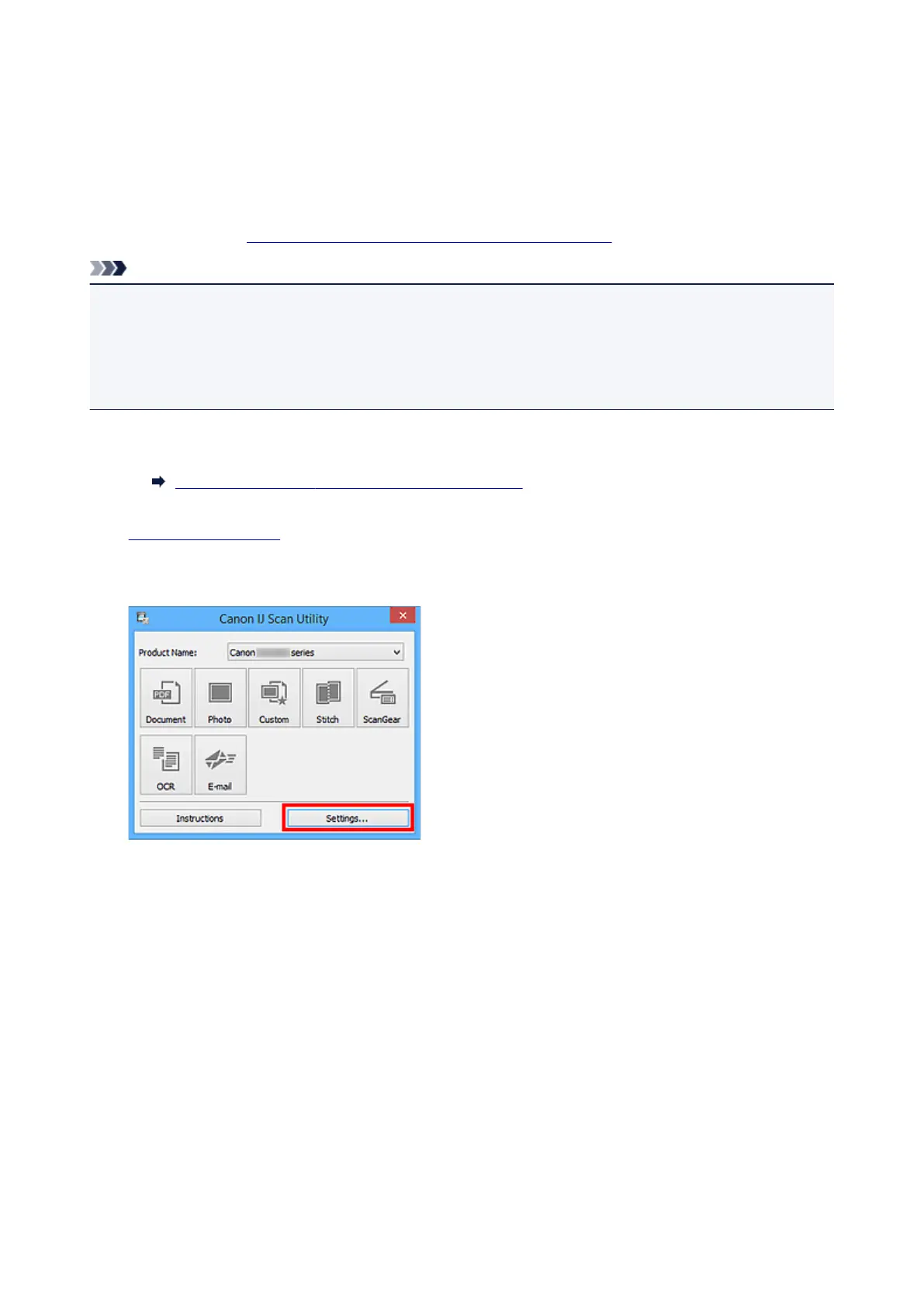
Start IJ Scan Utility.
3.
Click Settings....
The Settings dialog box appears.
4. Click Document Scan.
688









 To Next Page