Checking Network Setting Difference
If you cannot use a printer you used on the network before, compare the current network status with that
when you could use the printer and check the difference.
1. Start up IJ Network Device Setup Utility.
The detected printers are listed.
2.
Select printer with Unknown or Not Set displayed on Status from printer list.
3.
Select Check Connection Status on View menu.
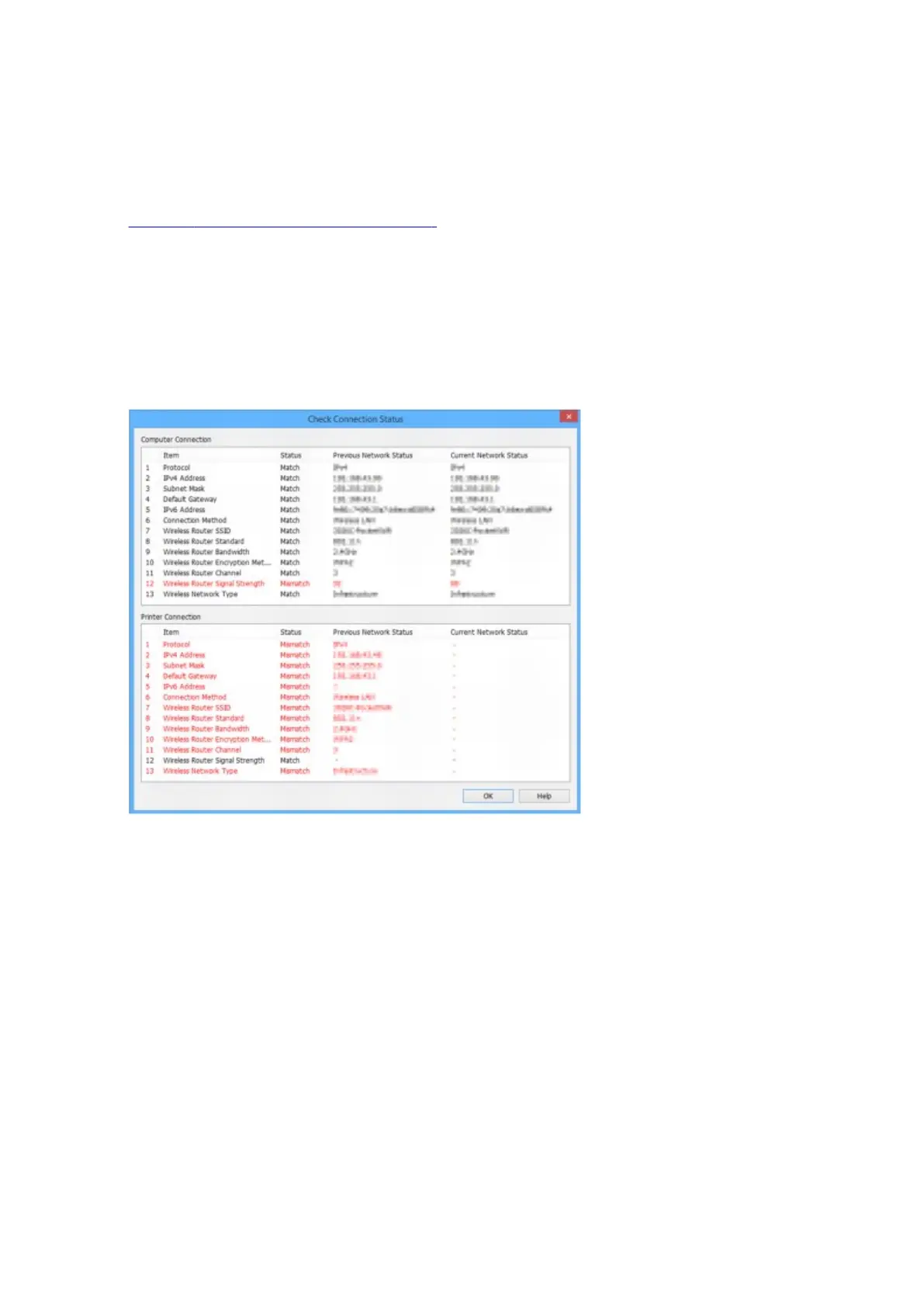
The screen below appears.
If the network status when you used the printer is different from the current status, Mismatch appears on
Status and the items are displayed in red. Check the red items.
4. Click OK to close screen.
393









 To Next Page