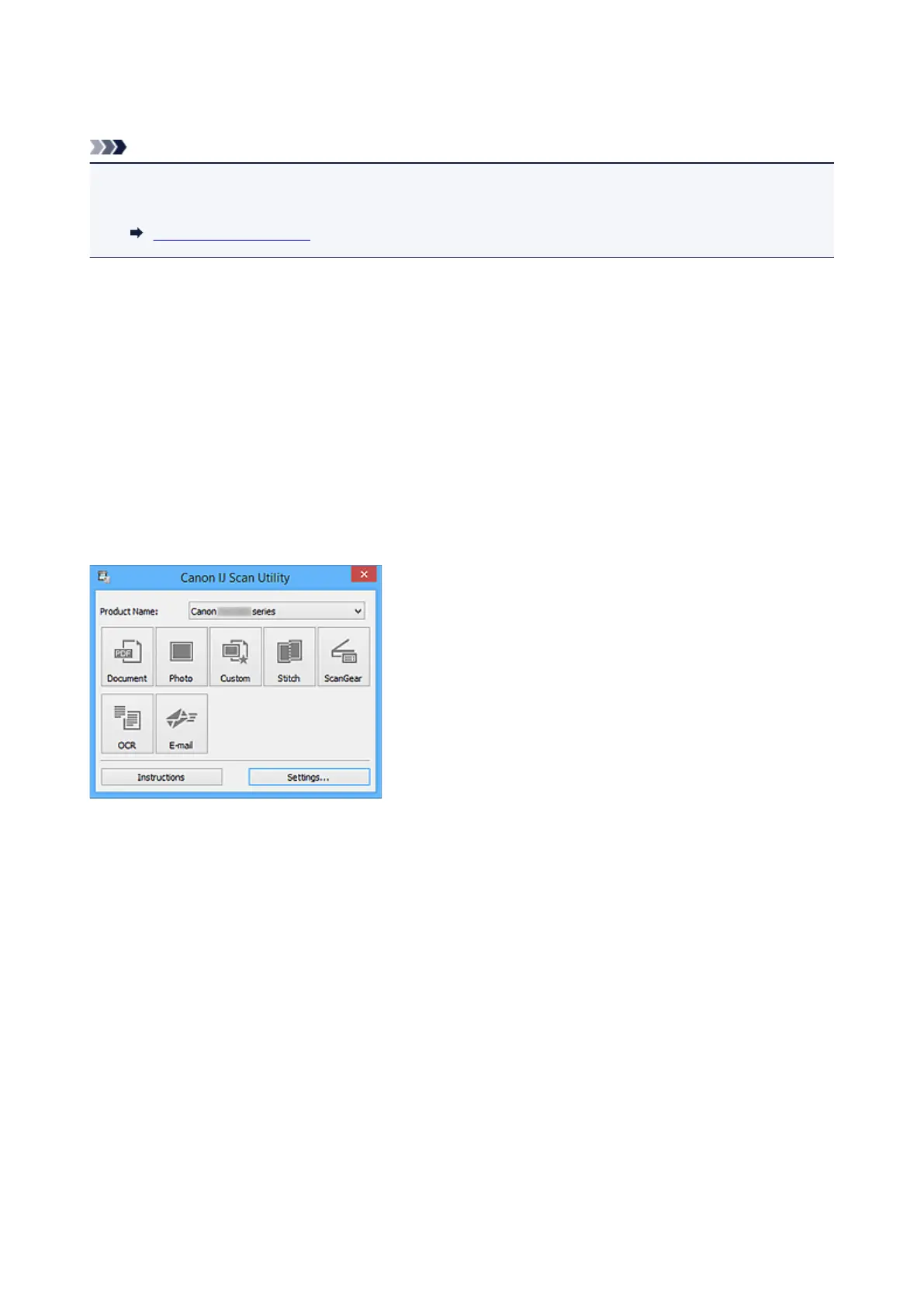
Starting IJ Scan Utility
Note
• If you have more than one scanner or have changed the connection from USB connection to network
connection, set up the network environment from IJ Scan Utility.
Network Scan Settings
Follow the steps below to start IJ Scan Utility.
Windows 10:
From Start menu, select All apps > Canon Utilities > IJ Scan Utility.
Windows 8.1/Windows 8:
Select IJ Scan Utility on the Start screen.
If IJ Scan Utility is not displayed on the Start screen, select the Search charm, and then search for "IJ Scan
Utility".
Windows 7/Windows Vista:
From Start menu, select All Programs > Canon Utilities > IJ Scan Utility > IJ Scan Utility.
671









 To Next Page