ECO settings
Select this setting item from HOME screen.
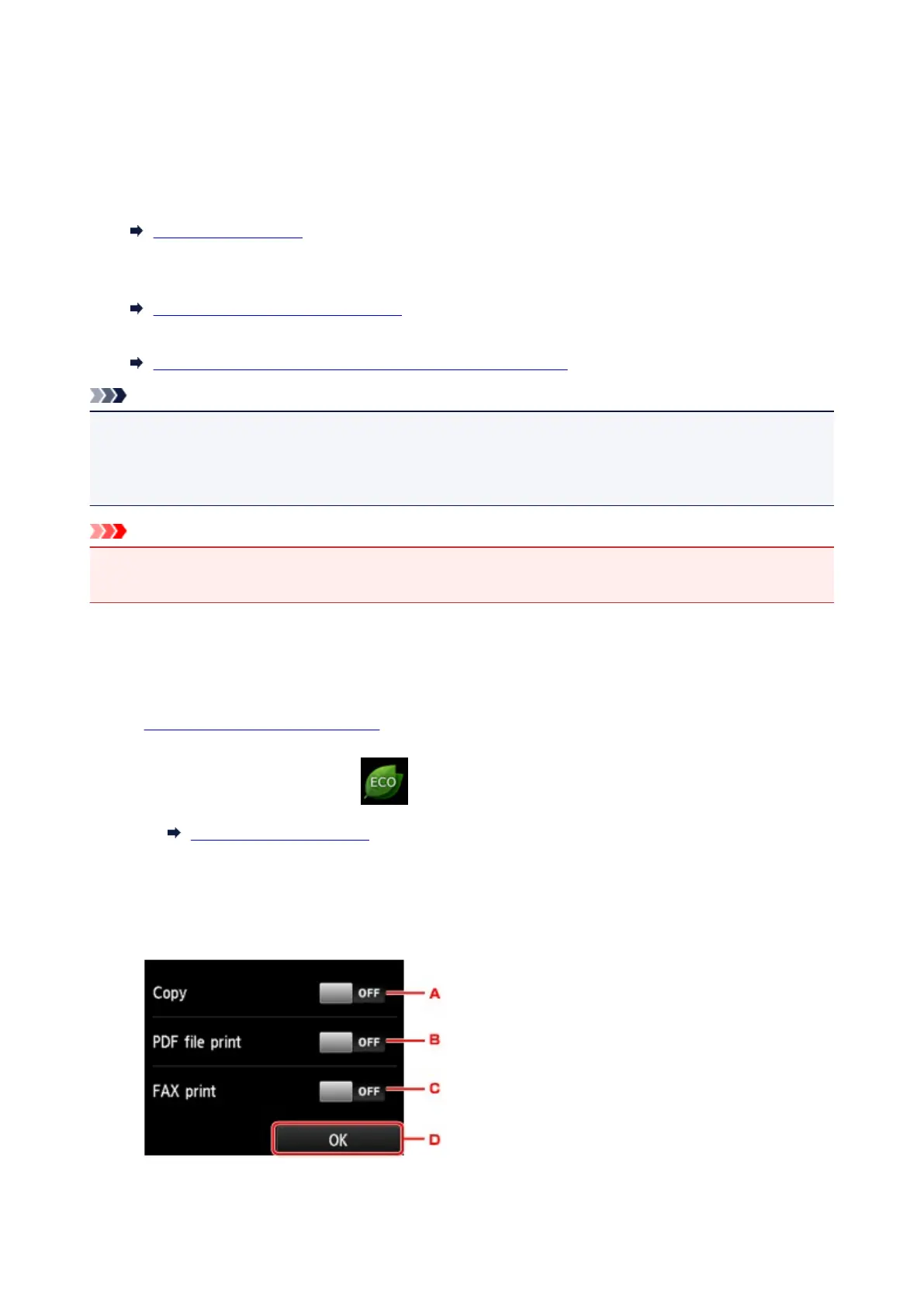
This setting allows you to use following functions.
• Using automatic duplex printing to save paper
Using Duplex Printing
• Turning on the printer automatically when printing or scanning from a device, or turning it off
automatically during the specified elapsed time to save electricity
Turning On/Off Printer Automatically
• Turning on/off the printer automatically at the specified time and day
Specifying Time and Day to Turn on/off Printer Automatically
Note
• You cannot enable the functions below at the same time.
• Turning on/off the printer automatically
• Specifying the time and day to turn on/off the printer automatically
Important
• The administrator password is required to change settings if it is enabled for changing settings using
the operation panel.
Using Duplex Printing
Follow the procedure below to use duplex printing.
1.
Make sure printer is turned on.
2.
Flick HOME screen and tap ECO settings.
Using the Operation Panel
3.
Tap Two-sided printing setting.
4. Specify settings as necessary.
324









 To Next Page