Specifying Time and Day to Turn on/off Printer Automatically
Follow the procedure below to use power saving function.
1. Make sure printer is turned on.
2. Flick HOME screen and tap ECO settings.
Using the Operation Panel
3.
Tap Power control.
4.
Tap Enable scheduling.
5.
Check message and tap Next.
6.
Specify settings as necessary.
•
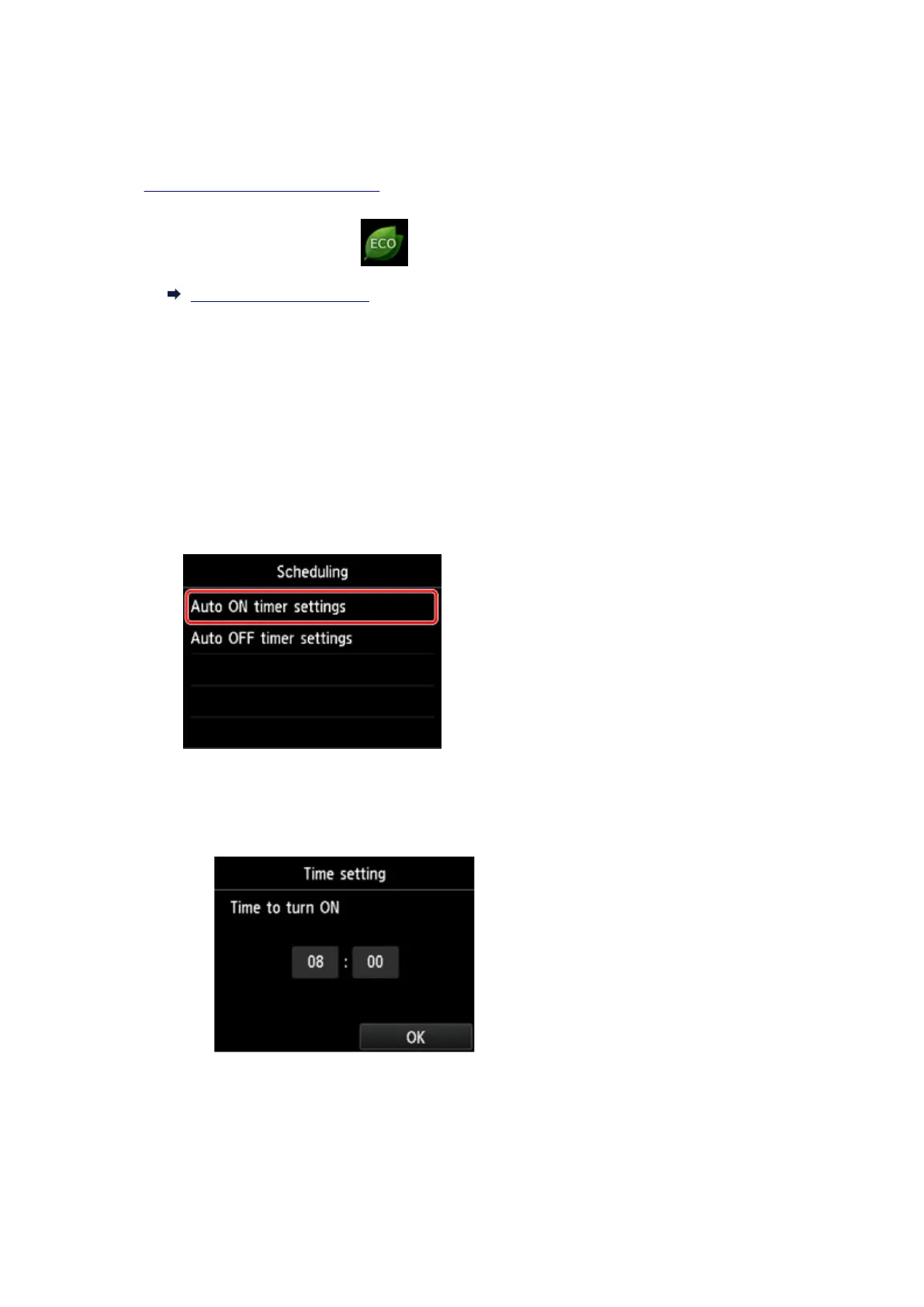
When you specify the time and day to turn the printer on:
1. Tap Auto ON timer settings.
2.
Tap ON on the displayed screen.
The screen below is displayed.
3.
Tap time.
The screen below is displayed.
326









 To Next Page