Registering User Information to Canon Inkjet Cloud Printing Center
(Color LCD Monitor)
To use the Canon Inkjet Cloud Printing Center, you need to follow the steps described below and register
My account information.
Registering from Printer
1.
Check that the printer is connected to the Internet
2.
From the printer home screen, select Cloud
If printer information has not been registered to the cloud service server, the Registration Preparation
Completion Screen appears.
3.
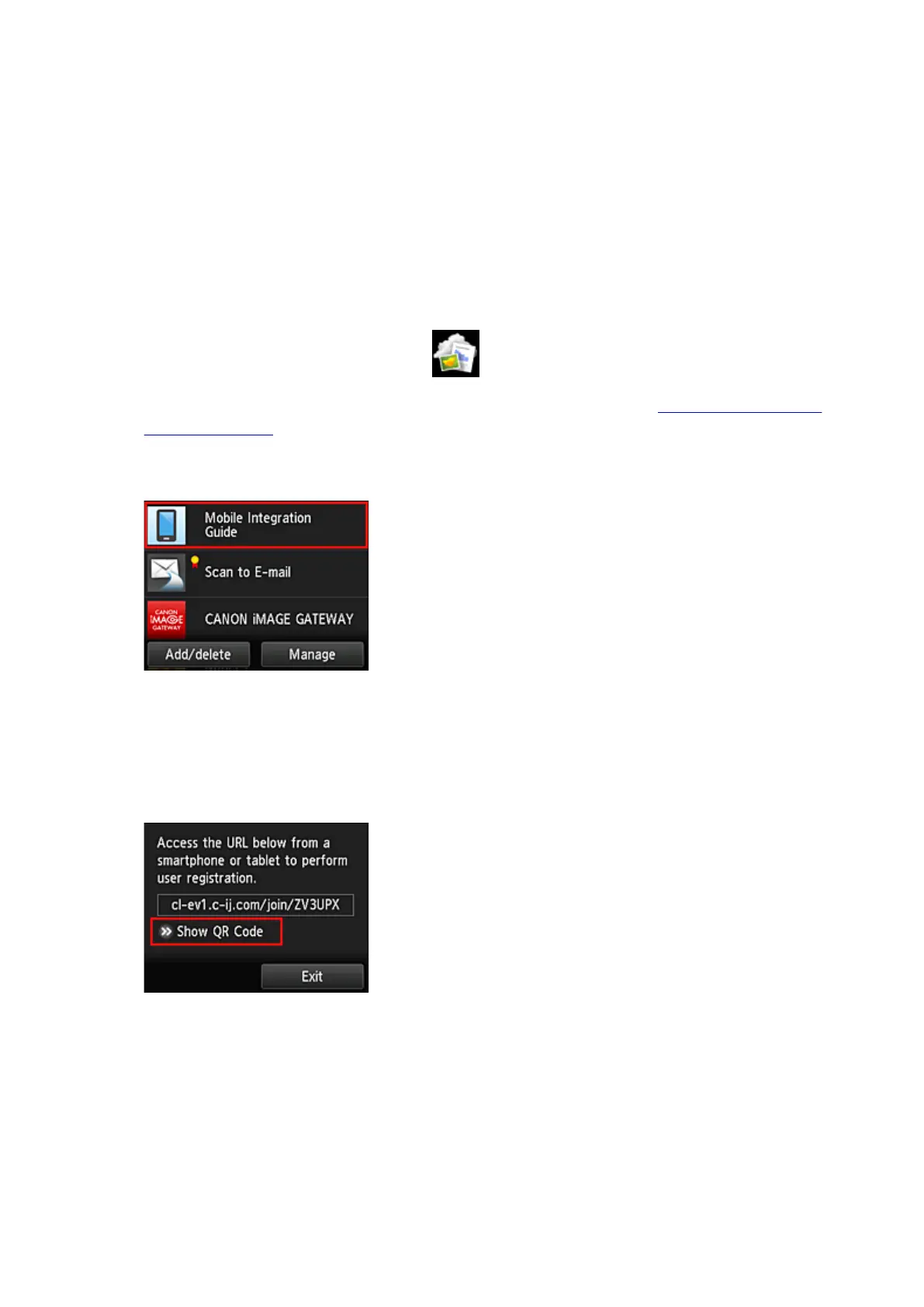
From cloud main screen, select Use from Smartphone or Mobile Integration Guide
4.
Follow instructions appearing in screen, and select Next
5.
In user registration screen, select Show QR Code
You can also access the URL manually from you smartphone, tablet, or computer.
6. Read displayed QR code by using your smartphone or tablet
89









 To Next Page