Copying Four Pages onto Single Page
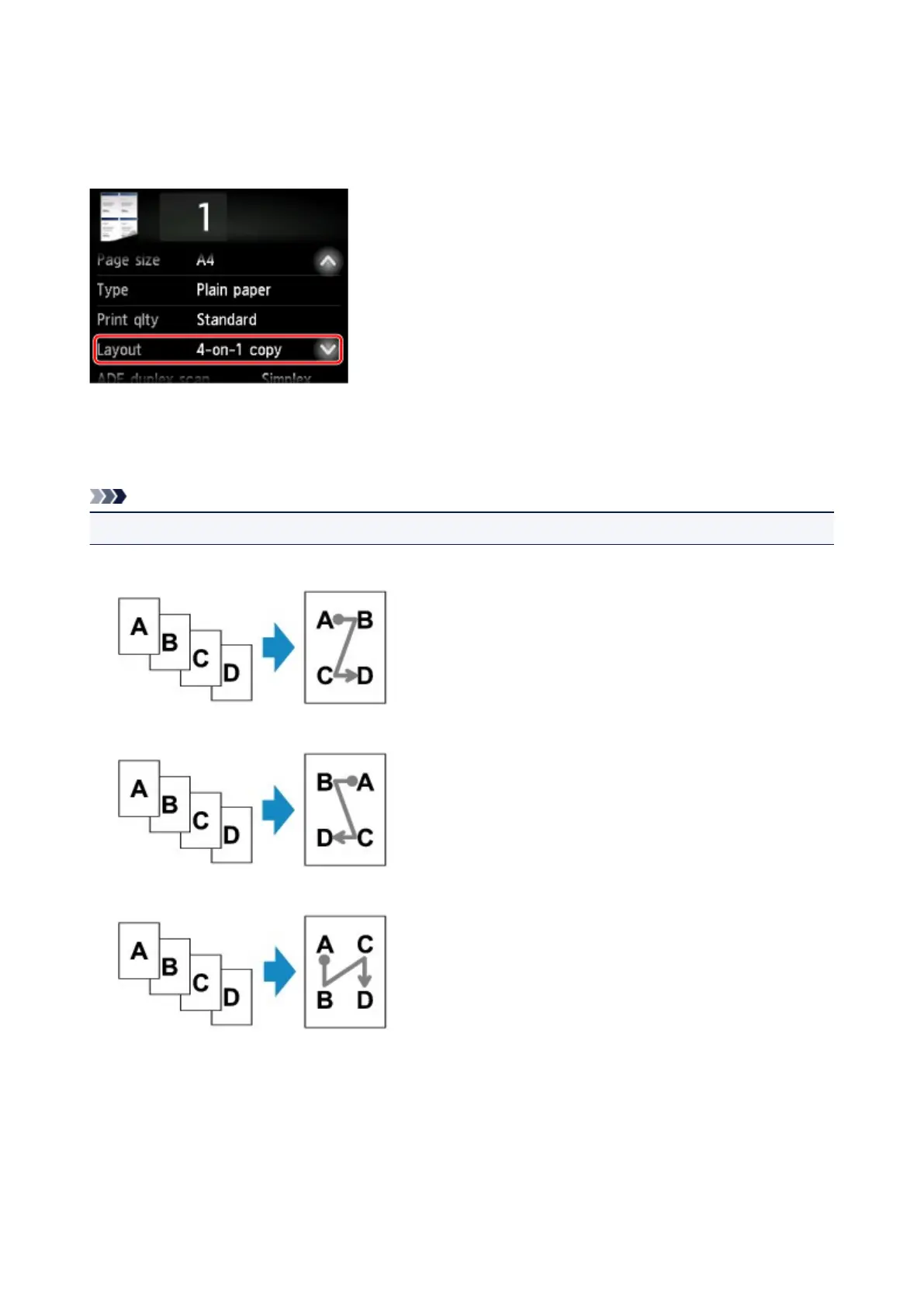
When you select 4-on-1 copy for Layout in Copy, you can copy four original pages onto a single sheet of
paper by reducing each image. Four different layouts are available.
Select 4-on-1 copy and tap OK.
If you tap Advanced with 4-on-1 copy selected, you can specify the orientation and the order of the
original.
Note
• The order is the same regardless of the orientation.
• When you select Upper-left to right
• When you select Upper-right to left
• When you select Upper-left to bottom
• When you select Upper-right to bottom
656









 To Next Page