Cleaning Cassette Pads
If the pad in the cassette becomes dirty or covered with paper dust, multiple sheets of paper may be ejected
at once. Clean cassette pads as follows.
What you will need: cotton swab
1.
Pull out the cassette and remove the paper.
2.
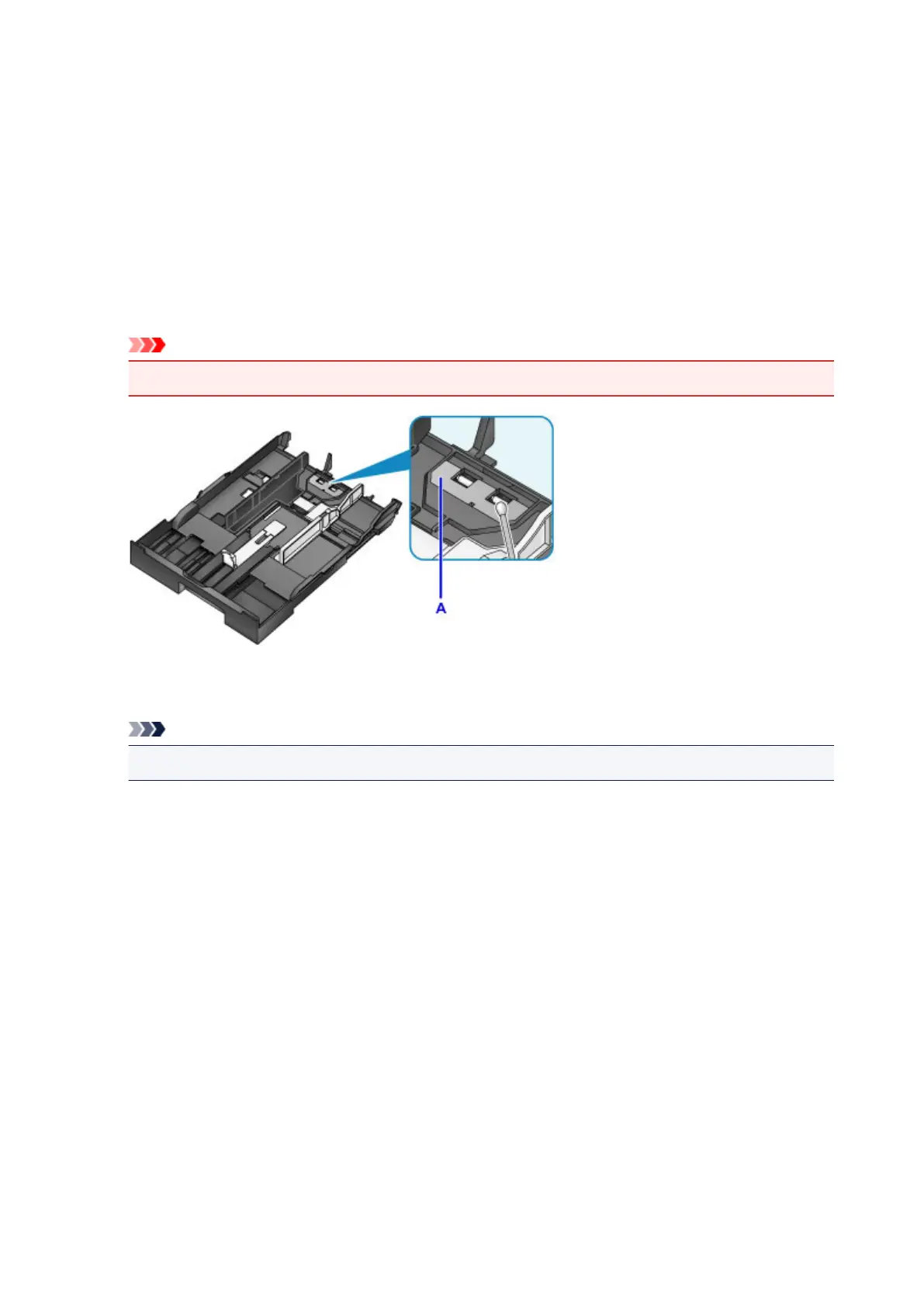
Use a moistened cotton swab to wipe away any dirt or debris on the pad (A).
Important
•
After cleaning, allow the pad to dry completely.
3.
Reload the paper and insert the cassette.
Note
• If a message appears after you insert the cassette, tap Register.
If the problem is not resolved, contact the service center.
238









 To Next Page