Registering Fax/Telephone Number of Recipients
Before you can use the printer's directory, you need to register the recipients' fax/telephone numbers. Follow
the procedure below to register the recipients' fax/telephone numbers.
1. Make sure that printer is turned on.
2.
Flick HOME screen, and then tap FAX.
Using the Operation Panel
The Fax standby screen is displayed.
3.
Tap Function list.
The Function list screen is displayed.
4.
Tap TEL number registration.
5.
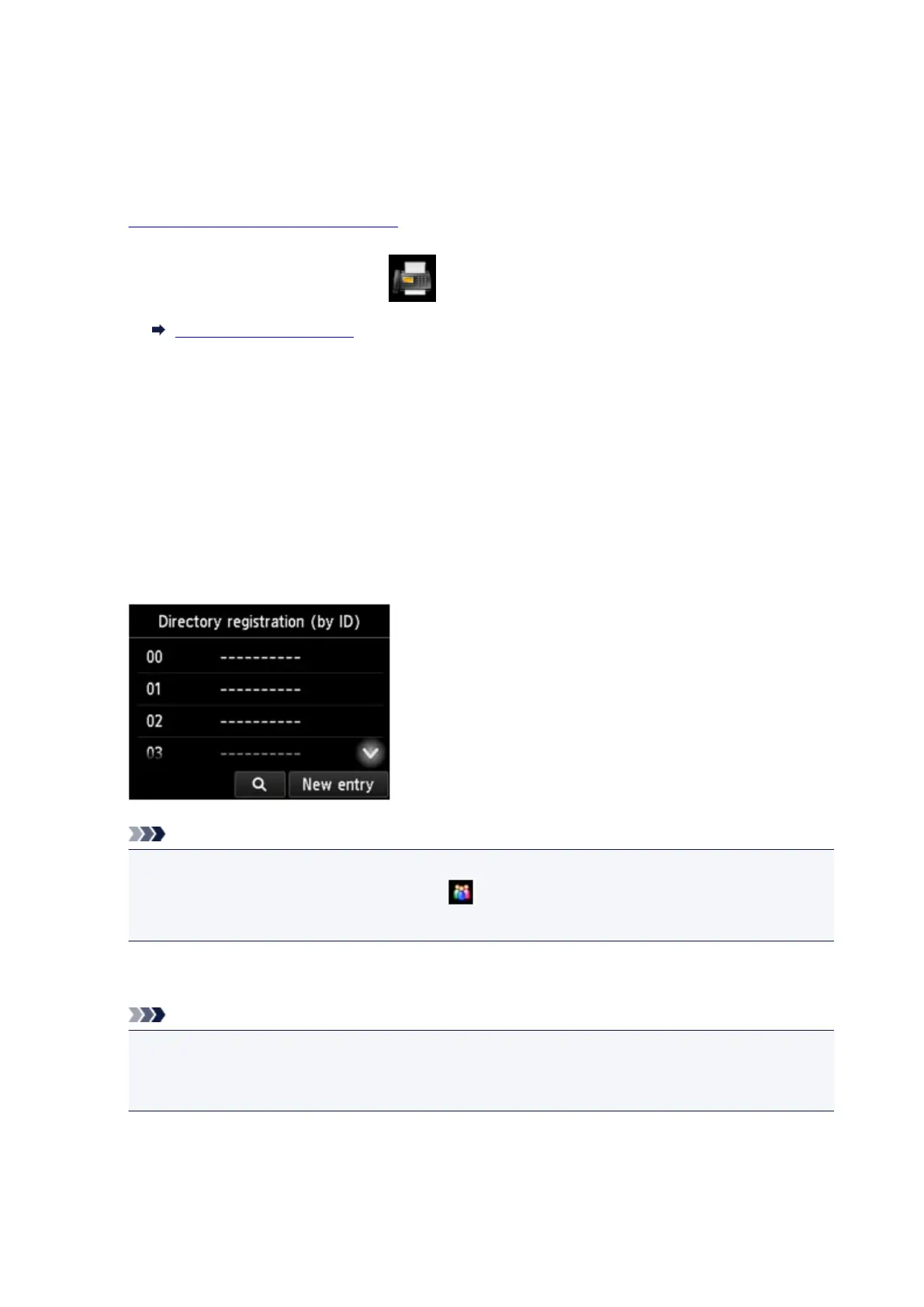
Tap Directory registration.
The screen to select an ID number is displayed.
Note
• If you already registered the recipients, the recipients' name is displayed next to the ID number. If
you already registered the group dial, the icon and the group name are displayed next to the
ID number.
6. Select an unregistered ID number.
Note
•
If you already registered the recipients and they are displayed by name, tap Switch view. The
registered recipients are displayed by ID number.
•
If you tap New entry, an unregistered ID number will be selected in numerical order.
7. Tap Register recipient.
963









 To Next Page