8. Select a registration method.
9. Register recipients' fax/telephone number.
Register the recipients' fax/telephone number depending on the registration method selected.
•
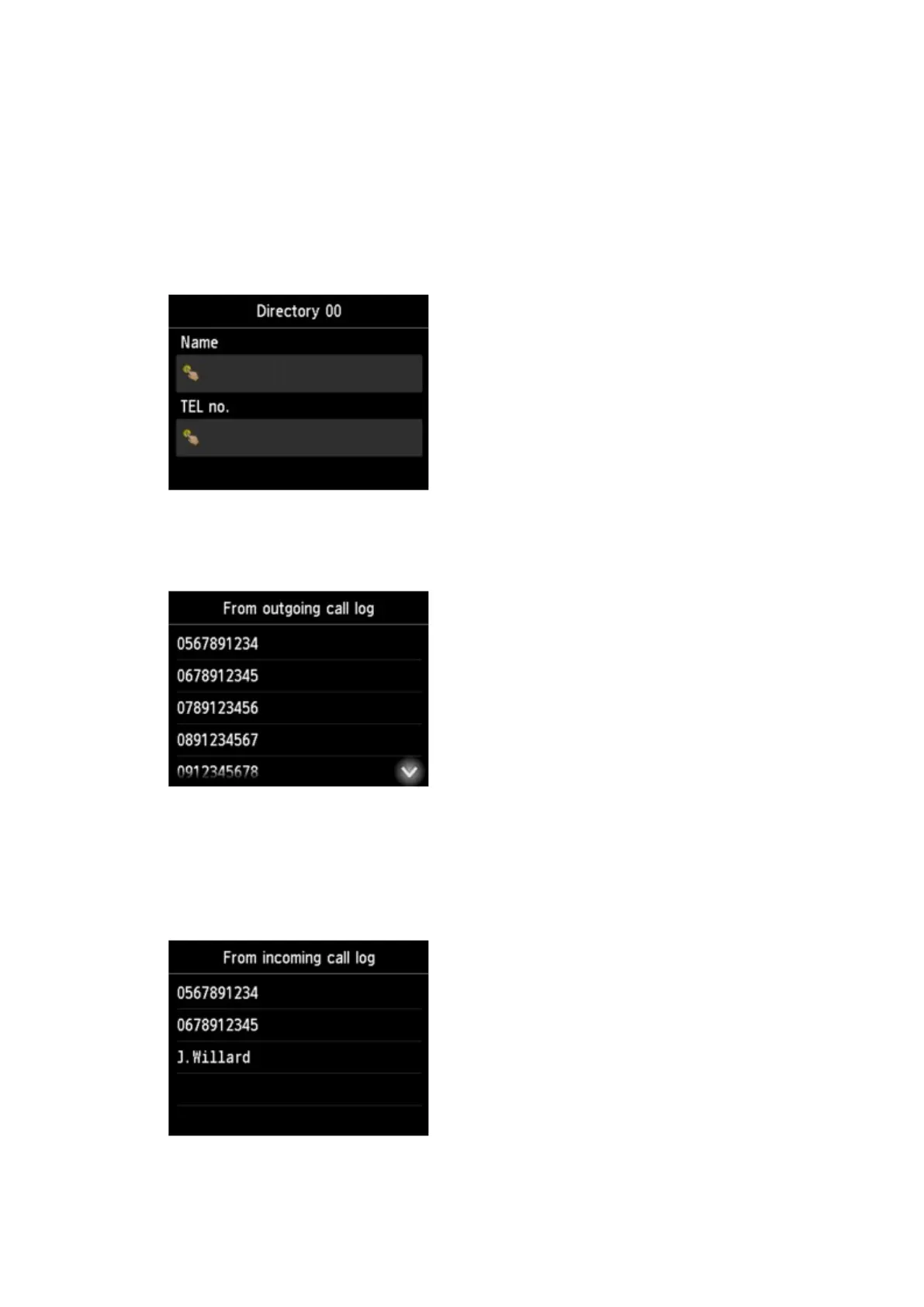
By entering the number
The screen to register the recipient's fax/telephone number and name is displayed. Go to next
step.
• From outgoing call log
When you select this registration method, the screen to select the fax/telephone number from the
outgoing call logs is displayed.
Selecting a fax/telephone number from the outgoing call logs, the screen to register the recipient's
fax/telephone number and name is displayed. Go to next step.
•
From incoming call log
When you select this registration method, the screen to select the fax/telephone number or the
name from the incoming call logs is displayed.
964









 To Next Page