Application Management
This section explains how to add, delete, and sort apps.
Important
• Select how to manage allows you to change which users can use this service.
For details, see "Canon Inkjet Cloud Printing Center window".
Add apps
You can add your favorite apps to the printer.
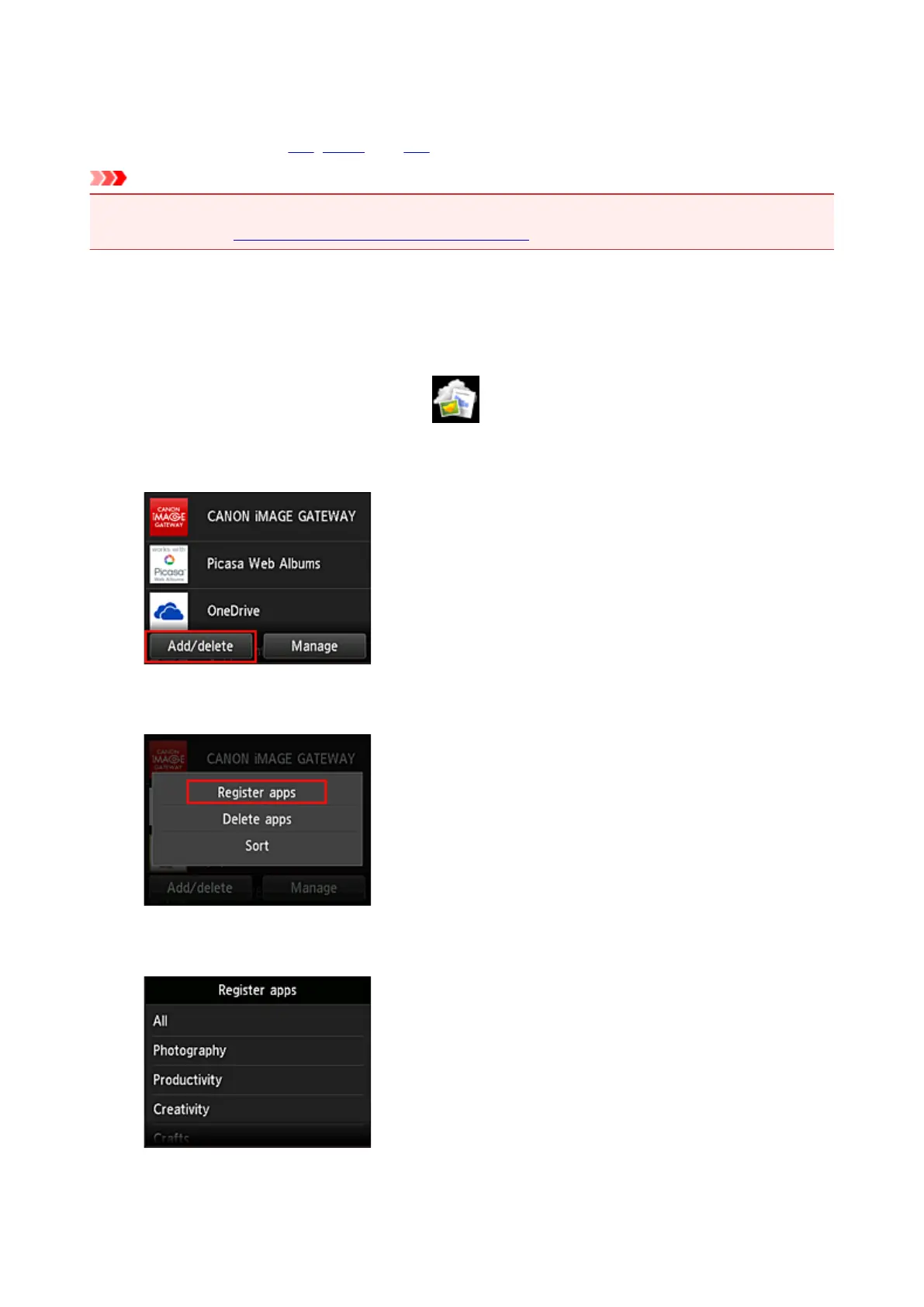
Follow the steps described below to add apps.
1.
From the printer home screen, select Cloud
2.
On the cloud's Main screen, select Add/delete
3.
Select Register apps
4. From the list, select the category of the app
72









 To Next Page