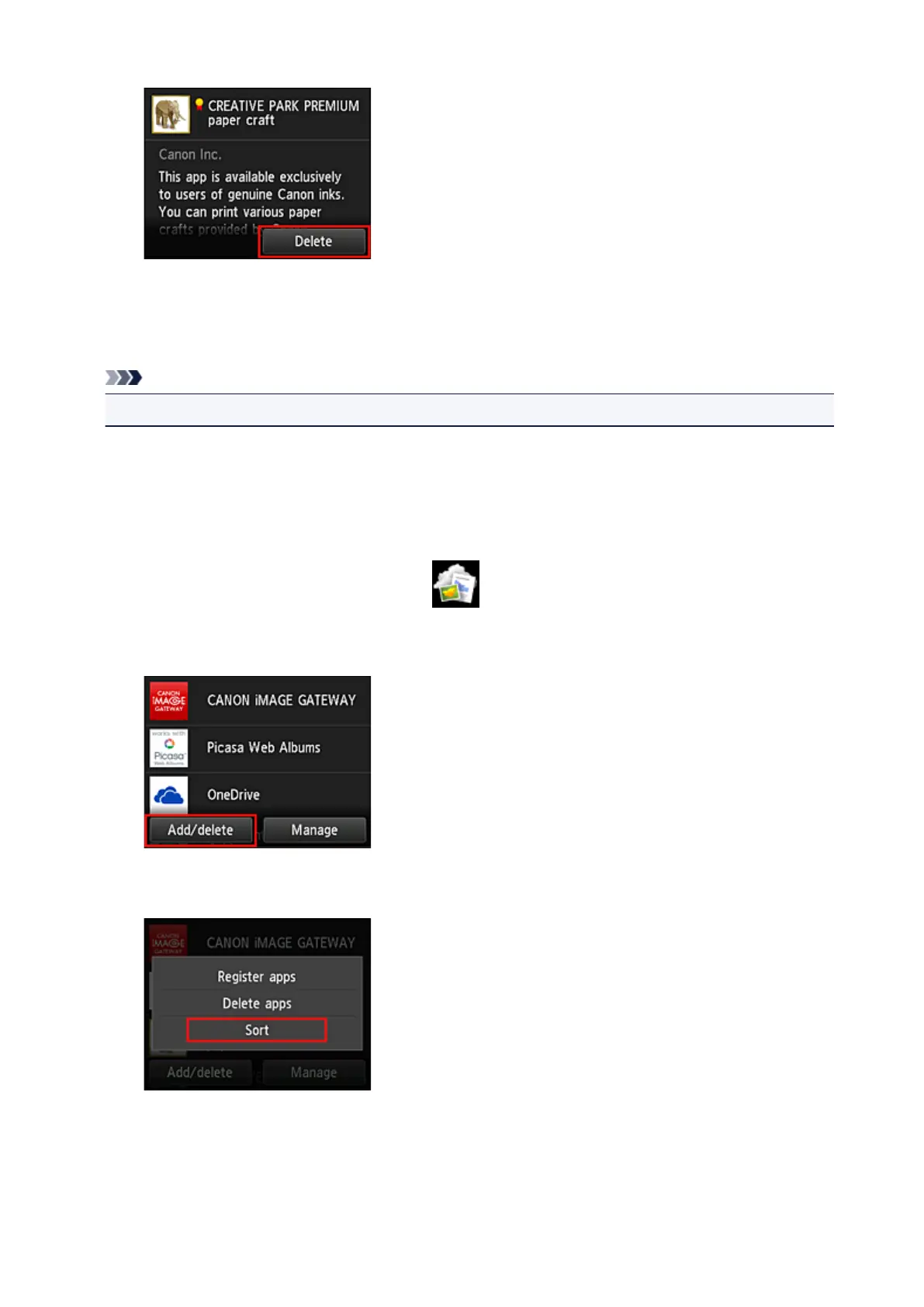
When the deletion is finished, the app will be deleted from the apps list on the main screen.
To delete another app, repeat the procedure from step 4.
To end the app deletion, select Back and return to the cloud's Main screen.
Note
• Config allows you to re-register deleted apps.
Sort apps
You can sort apps displayed on the apps list.
Follow the steps described below to sort apps.
1.
From the printer home screen, select Cloud
2.
On the cloud's Main screen, select Add/delete
3.
Select Sort
4. On the apps list, select the app that you want to sort
75









 To Next Page