Note
•
Description of displayed icons
: Cannot be used because it is not yet released or does not support your region, model, or
language.
: Can be used with genuine Canon ink.
If you are using a G3000 series model, you cannot use this service because the model is not
supported.
5.
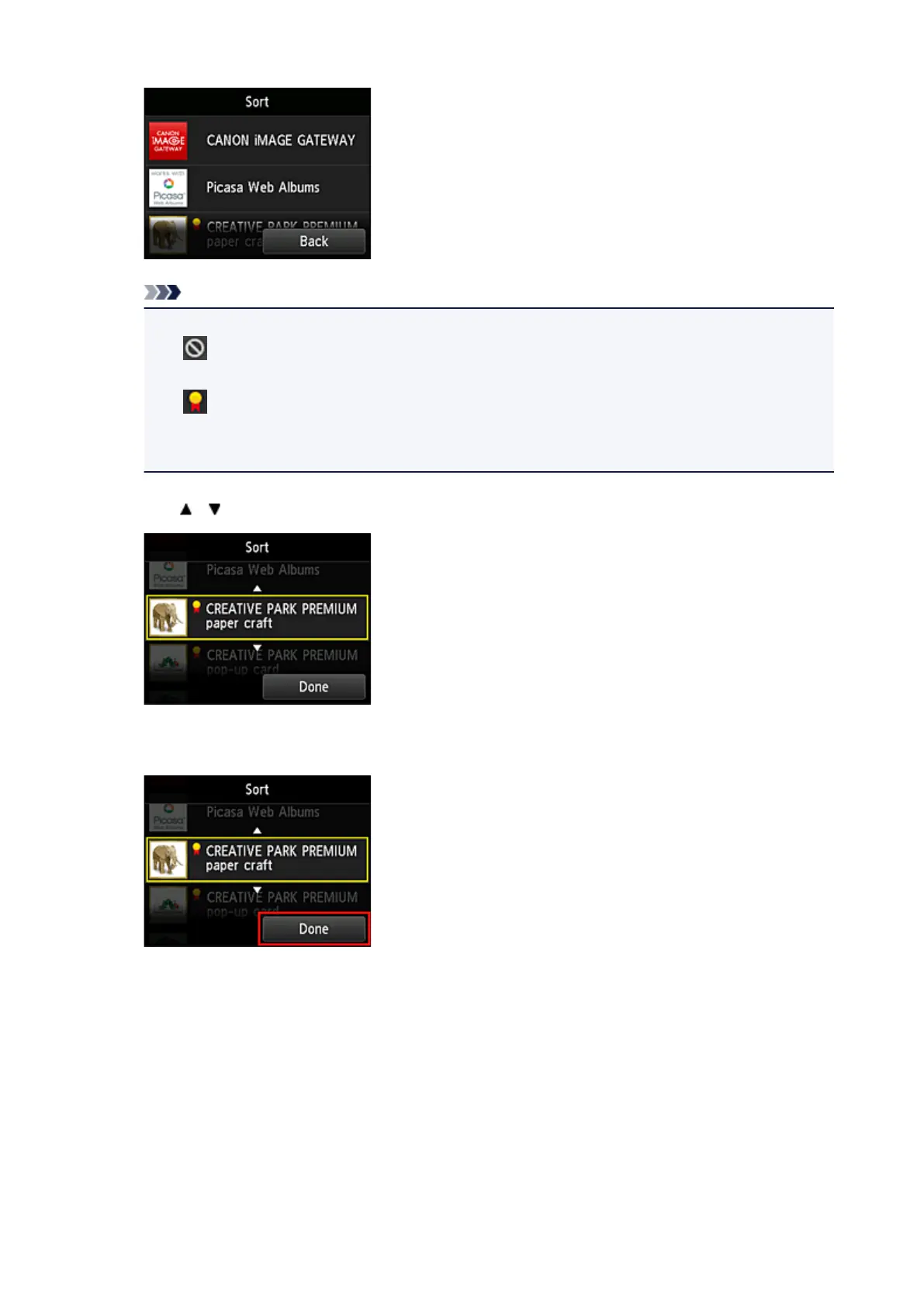
Use / buttons to move the app
6.
Select Done
Sorting is complete.
To continue the sorting, repeat the procedure from step 4.
To end the sorting, select Back and return to the cloud's Main screen.
76









 To Next Page