Cleaning Paper Feed Rollers
Dusty or dirty paper feed rollers may prevent correct feeding.
In this case, clean the paper feed rollers. However, because cleaning causes roller wear, perform cleaning
only when necessary.
What you will need: three sheets of A4 or Letter-sized plain paper
1.
Make sure the machine is on.
2.
Flick the HOME screen, and then tap Setup.
Using the Operation Panel
The setup menu screen is displayed.
3.
Tap Maintenance.
The Maintenance screen is displayed.
4.
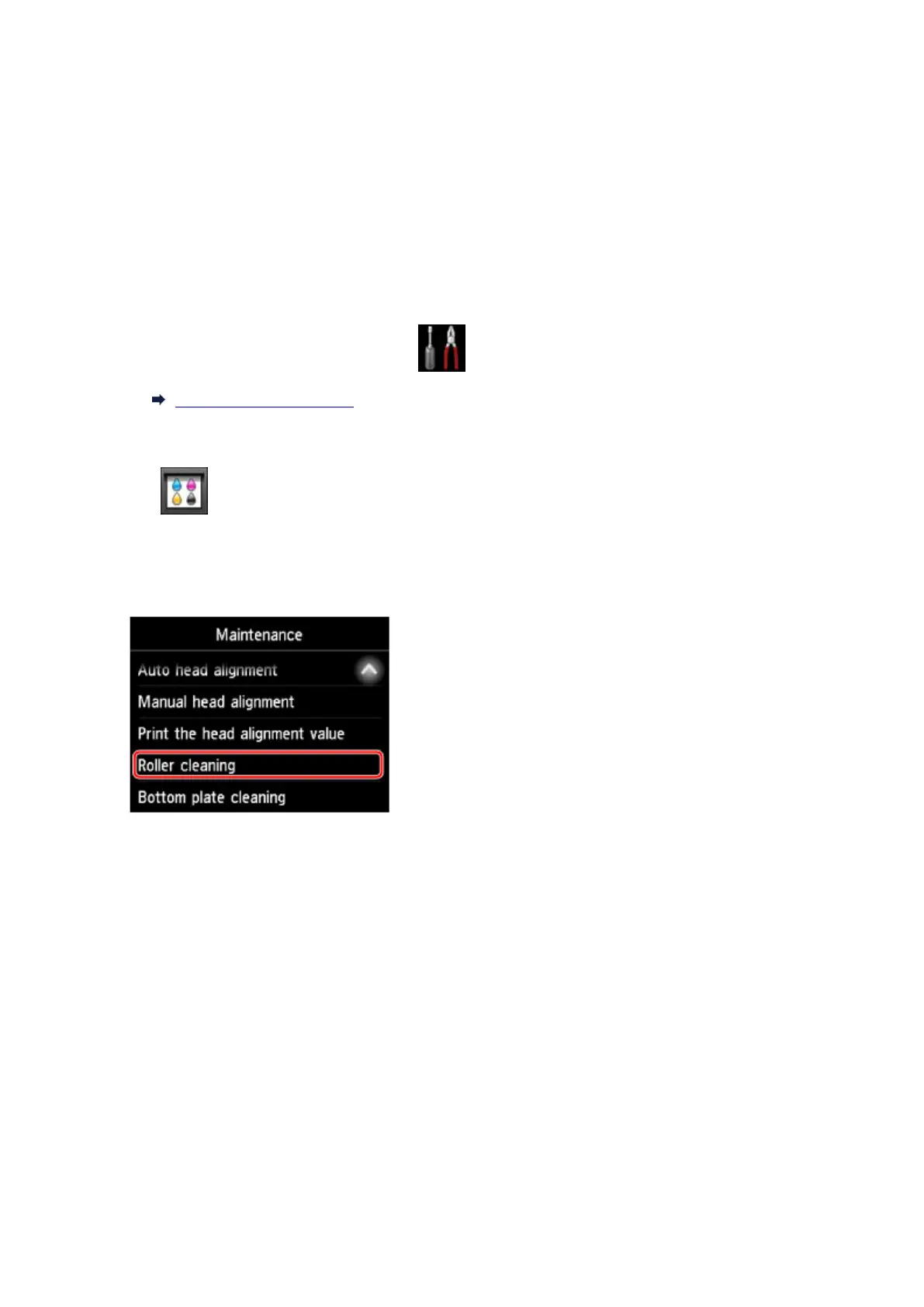
Tap Roller cleaning.
A confirmation screen is displayed.
5.
Tap Yes.
6. Follow the instructions to remove any paper from the cassette.
7. Tap OK.
The paper feed rollers rotate as they are cleaned without paper.
8. After confirming that the paper feed rollers have stopped rotating, follow the instructions to
load three sheets of A4 or Letter-sized plain paper in the cassette.
233









 To Next Page