Changing Registered Information
To change information registered for recipient and group e-mail, follow the procedure below.
1. Make sure printer is turned on.
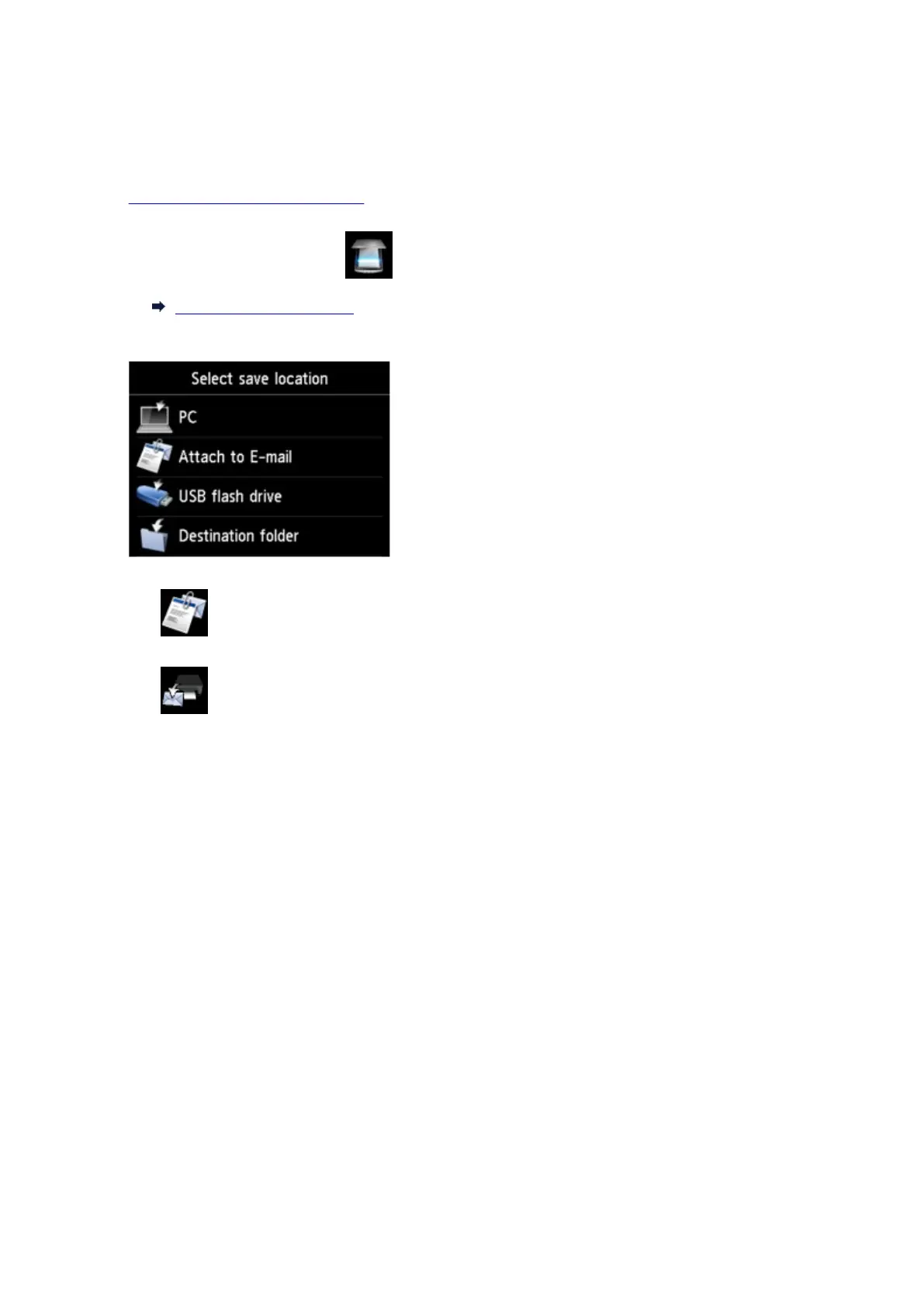
2. Flick HOME screen and tap Scan.
Using the Operation Panel
The screen for selecting to which you save the data is displayed.
3.
Tap Attach to E-mail.
4.
Tap E-mail directly from device.
5.
Tap Edit e-mail address book.
6.
Tap Display e-mail address book.
7.
Tap recipient or group e-mail to change.
8. Change registered information.
•
To change an individual recipient:
1.
Tap Edit e-mail address.
The registered information screen of the selected recipient is displayed.
2.
Tap entry field of name or entry field of e-mail addresses.
The each edit screen is displayed.
3.
Change name or e-mail addresses.
4.
Tap OK.
The touch screen returns to the registered information screen.
898









 To Next Page