Cleaning the ADF (Auto Document Feeder)
Use a soft, dry cloth that is clean and lint-free to clean the ADF (Auto Document Feeder).
Important
• Before cleaning the machine, turn it off and unplug it.
• The power cannot be turned off while the machine is sending or receiving a fax, or when unsent
faxes are stored in the machine's memory. Make sure the machine has finished sending or
receiving faxes before turning it off.
• Remember that faxes cannot be sent or received while the machine is off.
• Unplugging the machine will erase all documents in the machine's memory. Send faxes, print
documents, or save jobs to a USB flash drive as needed before unplugging the machine.
• To avoid scratching surfaces, do not clean with tissue paper, paper towels, or rough-textured cloth.
Additionally, paper dust or fibers may remain in the machine and clog the print head or affect printing
quality.
• Never clean the machine with detergent or volatile chemicals such as thinner, benzine, or acetone,
which may cause malfunction or damage surfaces.
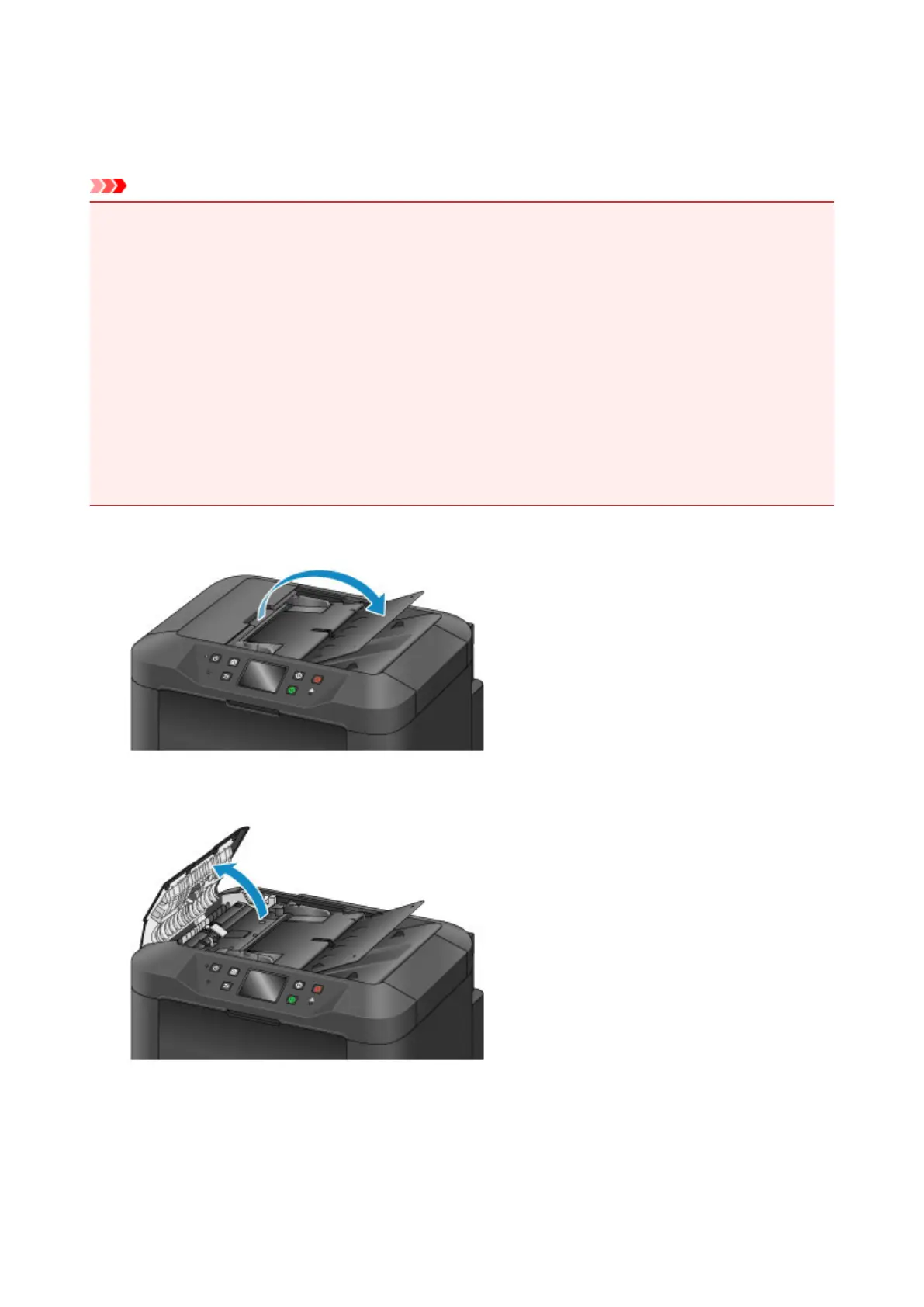
1.
Open the document tray.
2.
Open the document feeder cover.
3. Use the cloth to wipe off any paper dust inside the document feeder cover (A).
231









 To Next Page