Displaying Printer Network Information
Follow the procedure below to display the printer network information.
1. Start up IJ Network Device Setup Utility.
The detected printers are listed.
2. Select printer to display network information from printer list.
Select the printer with Available displayed on Status.
3.
Select Printer Network Information on View menu.
The Confirm Printer Password screen appears.
For more on the password, refer to Administrator Password.
4.
Enter password and click OK.
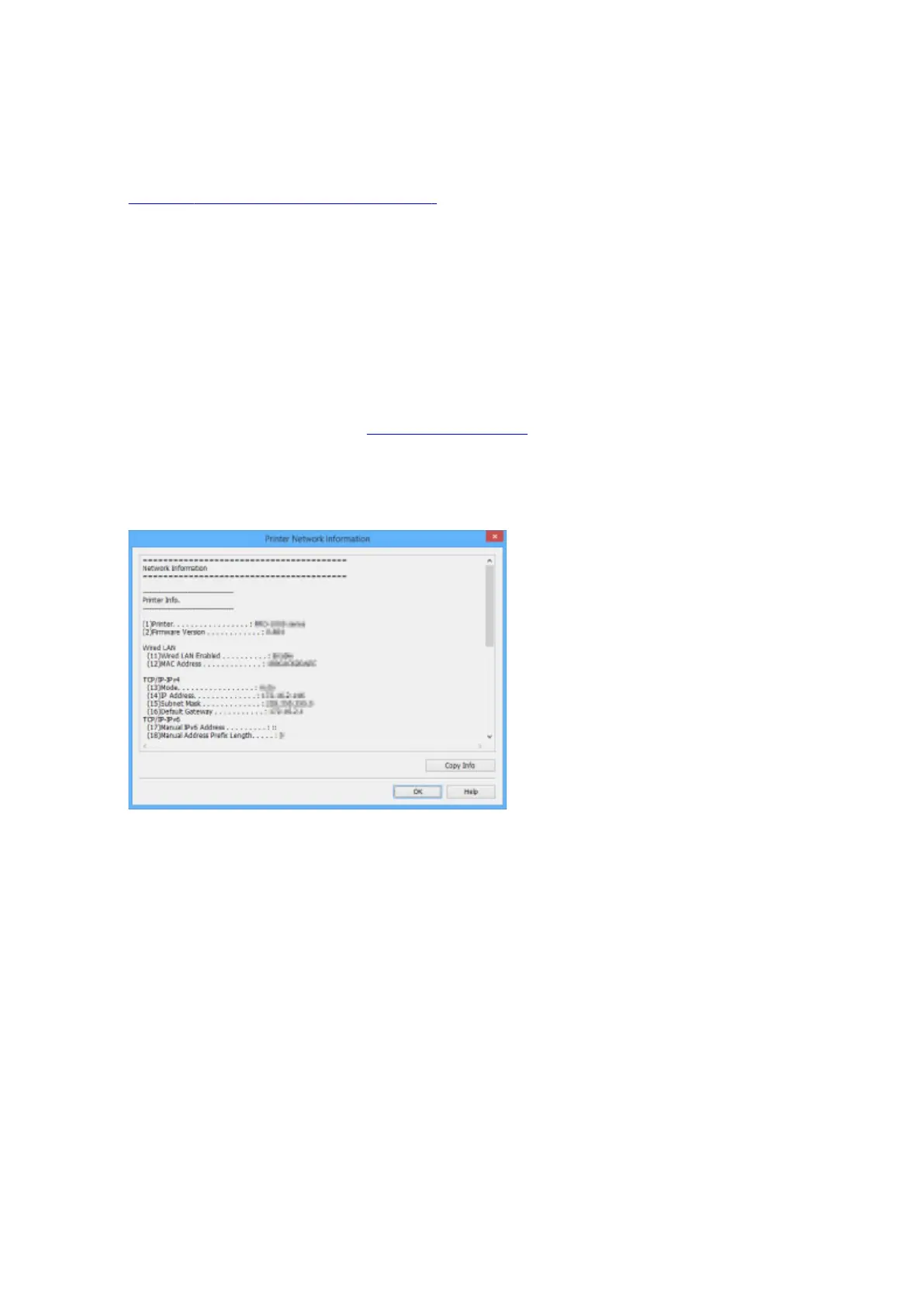
The screen below appears.
Clicking Copy Info copies all network information on the clipboard.
5.
Click OK to close screen.
391









 To Next Page