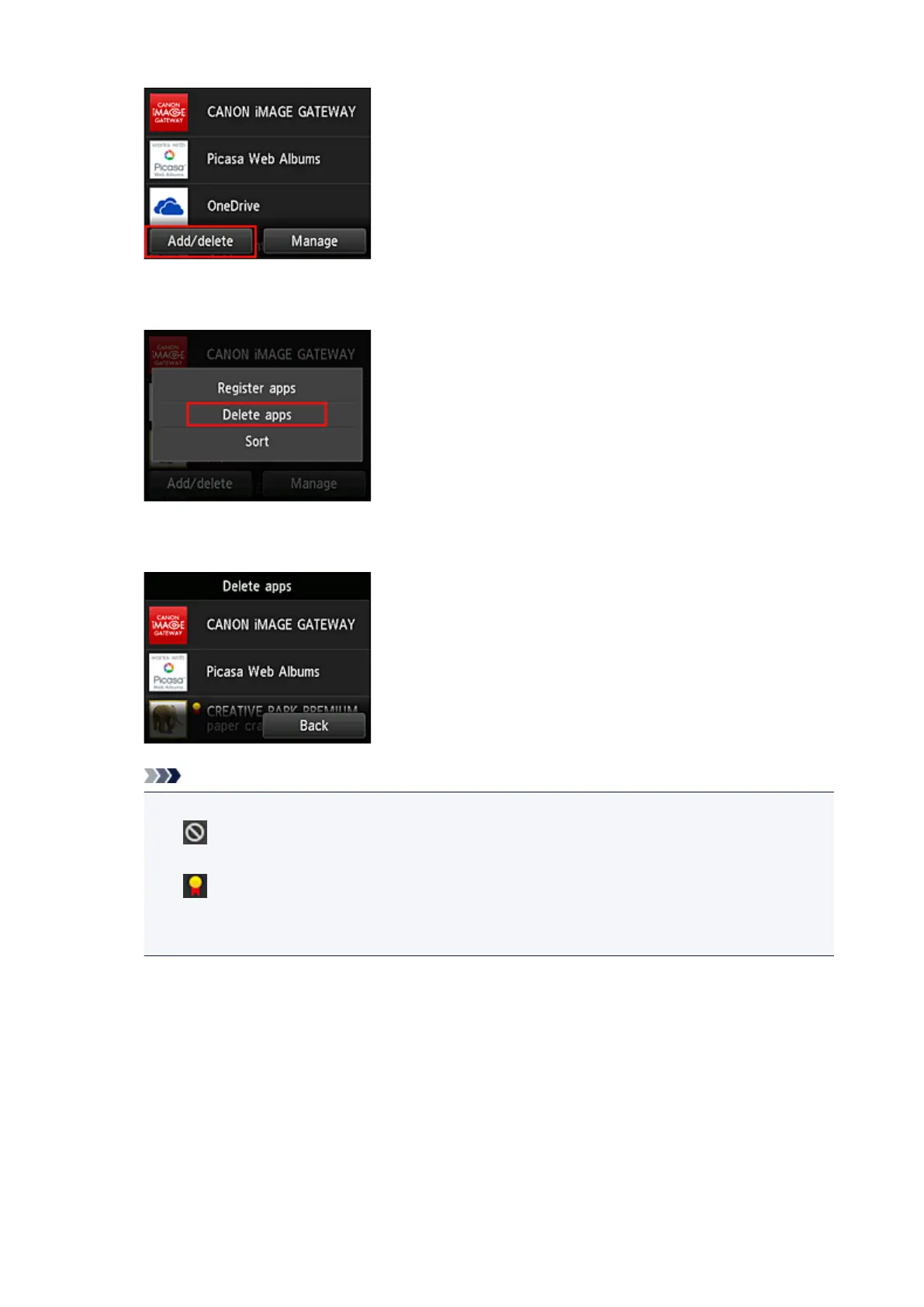
3.
Select Delete apps
4.
From the apps list, select the app that you want to delete
Note
• Description of displayed icons
: Cannot be used because it is not yet released or does not support your region, model, or
language.
: Can be used with genuine Canon ink.
If you are using a G3000 series model, you cannot use this service because the model is not
supported.
5. Select Delete
74









 To Next Page