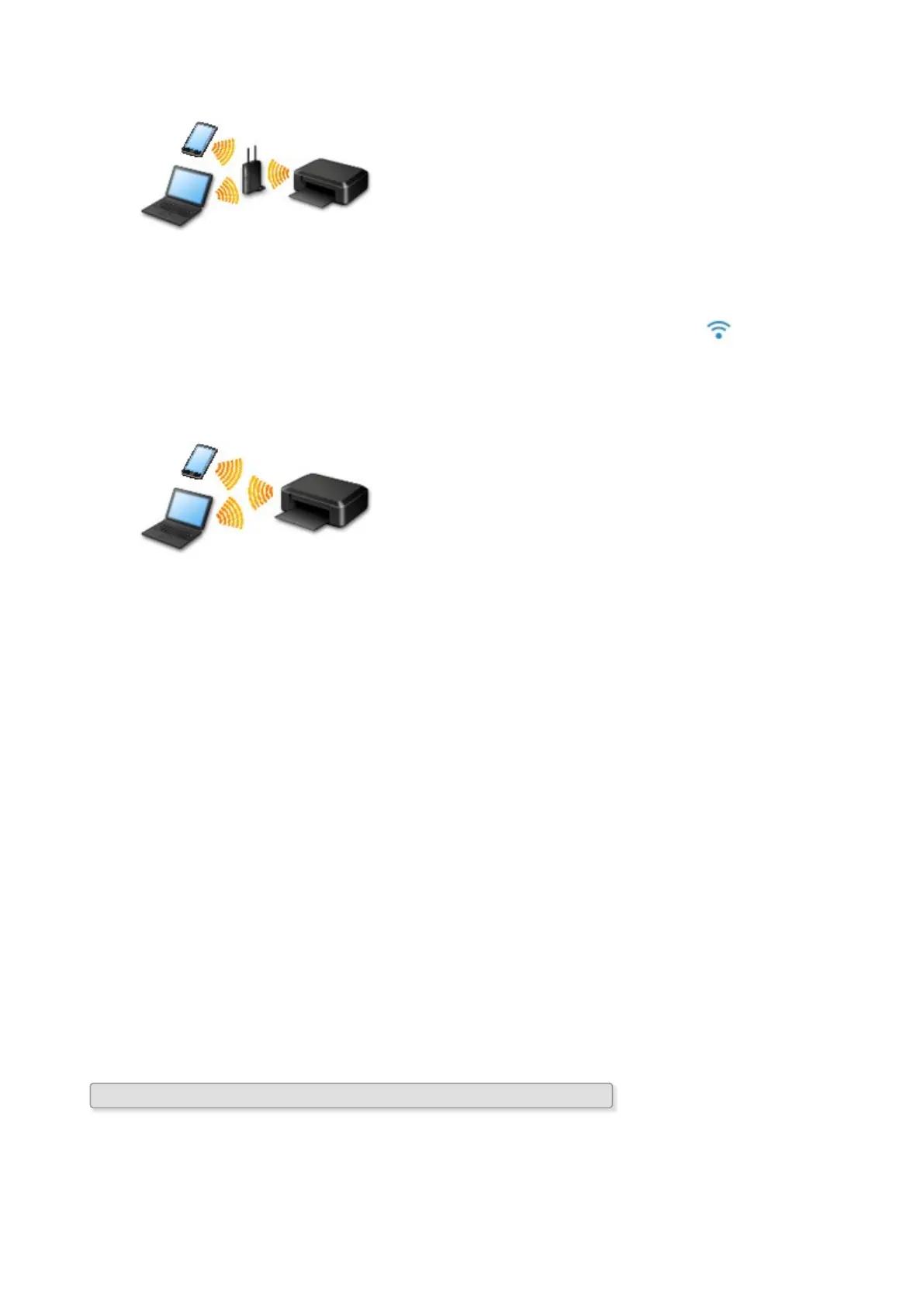
• Connection Using a Wireless Router
◦ Connect the printer and a device using a wireless router.
◦ Connection methods vary depending on the wireless router type.
◦ You can change network settings such as the SSID and security protocol on the printer.
◦ When the connection between a device and a wireless router is completed and (Wi-Fi icon) is
displayed in the device's screen, you can connect the device to the printer using the wireless
router.
• Connection without Using a Wireless Router
◦ Connect the printer and a device without using a wireless router. Connect a device and the printer
directly using the printer's direct connection.
◦ While you are using the printer with direct connection, Internet connection from the printer
becomes unavailable. In that case, web services for the printer cannot be used.
◦ If you connect a device connected to the Internet via a wireless router to the printer that is in the
direct connection, the connection between the device and wireless router will be disabled. In that
case, the connection of the device may switch to a mobile data connection automatically
depending on your device. Transmission fees for connecting to the Internet using a mobile data
connection apply.
◦ In the direct connection, you can connect up to five devices at the same time. If you try to connect
a sixth device while five devices are already connected, an error will appear. If an error appears,
disconnect a device you do not use and configure settings again.
◦ Network settings such as the SSID and security protocol are specified automatically.
Wired Connection
Connect the printer and a hub or router with an Ethernet cable. Prepare an Ethernet cable.
USB Connection
Connect the printer and a computer with a USB cable. Prepare a USB cable.
Restrictions
(Appears in a new window)
61









 To Next Page