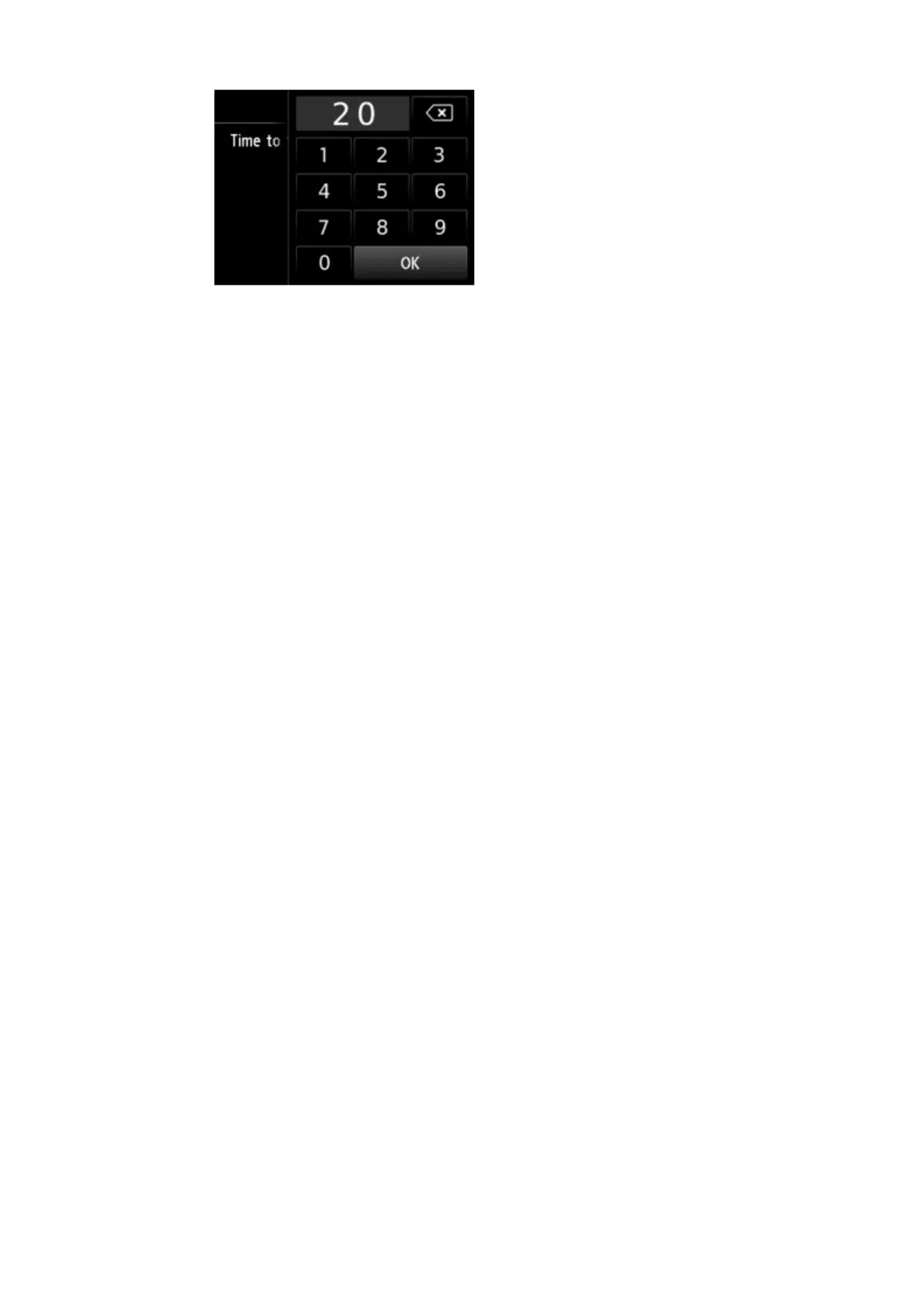
5. Tap numbers to specify time to turn off printer.
You can specify the hour from 0 to 24 and specify the minute in increments of 10 minutes.
6.
Tap OK to confirm time to turn off printer.
After confirming the time to turn the printer off, the screen to specify the day is displayed.
Tap the day, tap Enable or Disable, and then tap OK. The setting is valid on the day(s) you
select Enable for.
328









 To Next Page