Note
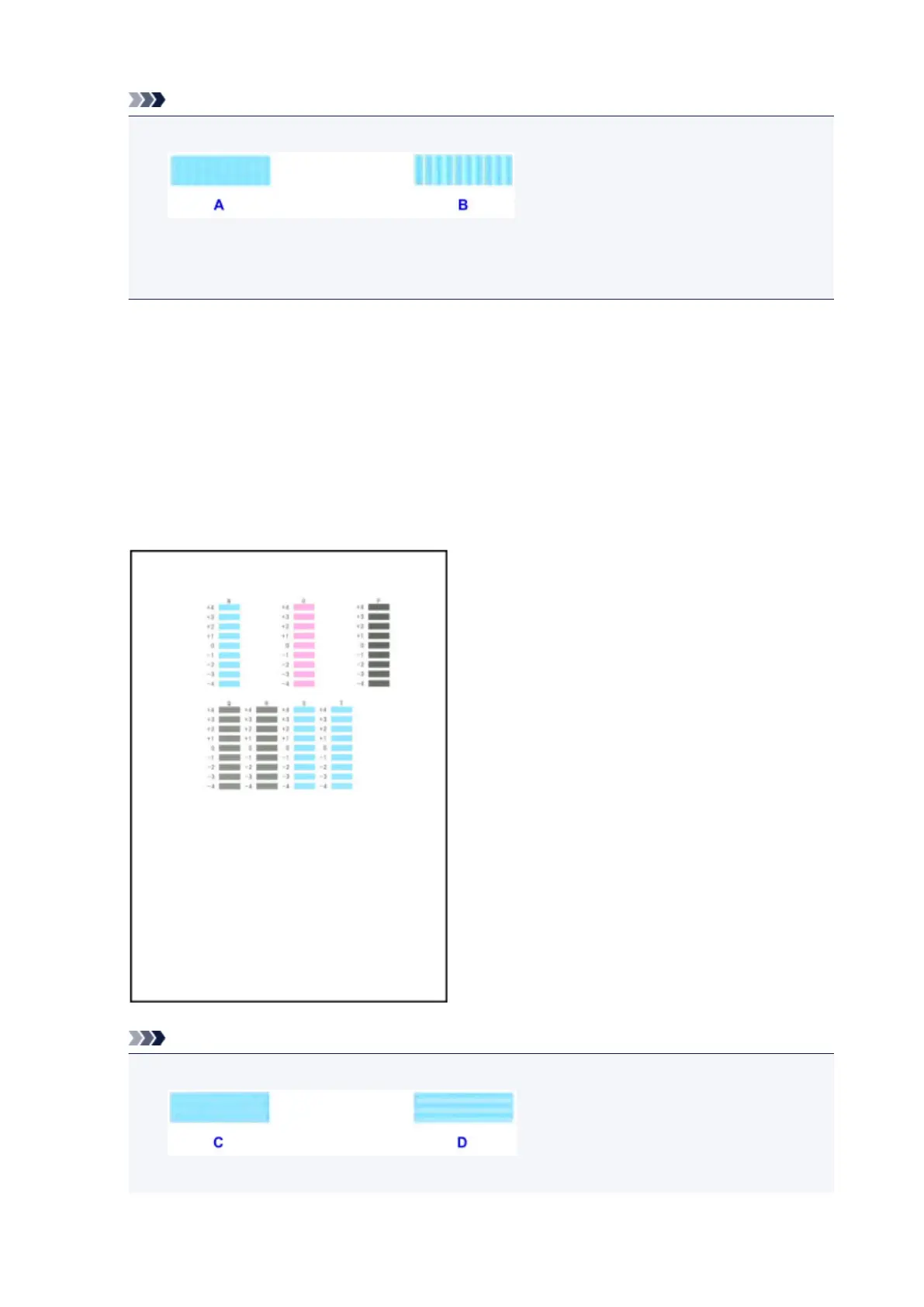
• If all patterns look different, choose the pattern in which vertical streaks are least noticeable.
A: Subtle vertical streaks
B: Noticeable vertical streaks
11.
Repeat these steps until you have finished entering pattern numbers for columns B to M,
and then tap OK.
12.
Check the message, and then tap OK.
The second set of patterns is printed.
13.
Examine the second patterns and tap N. In column N, find the pattern in which horizontal
streaks are least noticeable, and then tap the number of that pattern.
Note
•
If all patterns look different, choose the pattern in which horizontal streaks are least noticeable.
C: Subtle horizontal streaks
218









 To Next Page