Printing Your Printer Registration ID
Important
• Some models do not support this function.
To add a printer by using Canon Inkjet Cloud Printing Center, you will need a Printer registration ID.
From the operation panel of this printer, print the URL of the authentication site and your Printer
registration ID. The procedure is as follows:
1.
Check that the printer is connected to the Internet
Important
•
To use this function, you must connect this printer to the Internet.
If your model has color LCD monitor
2.
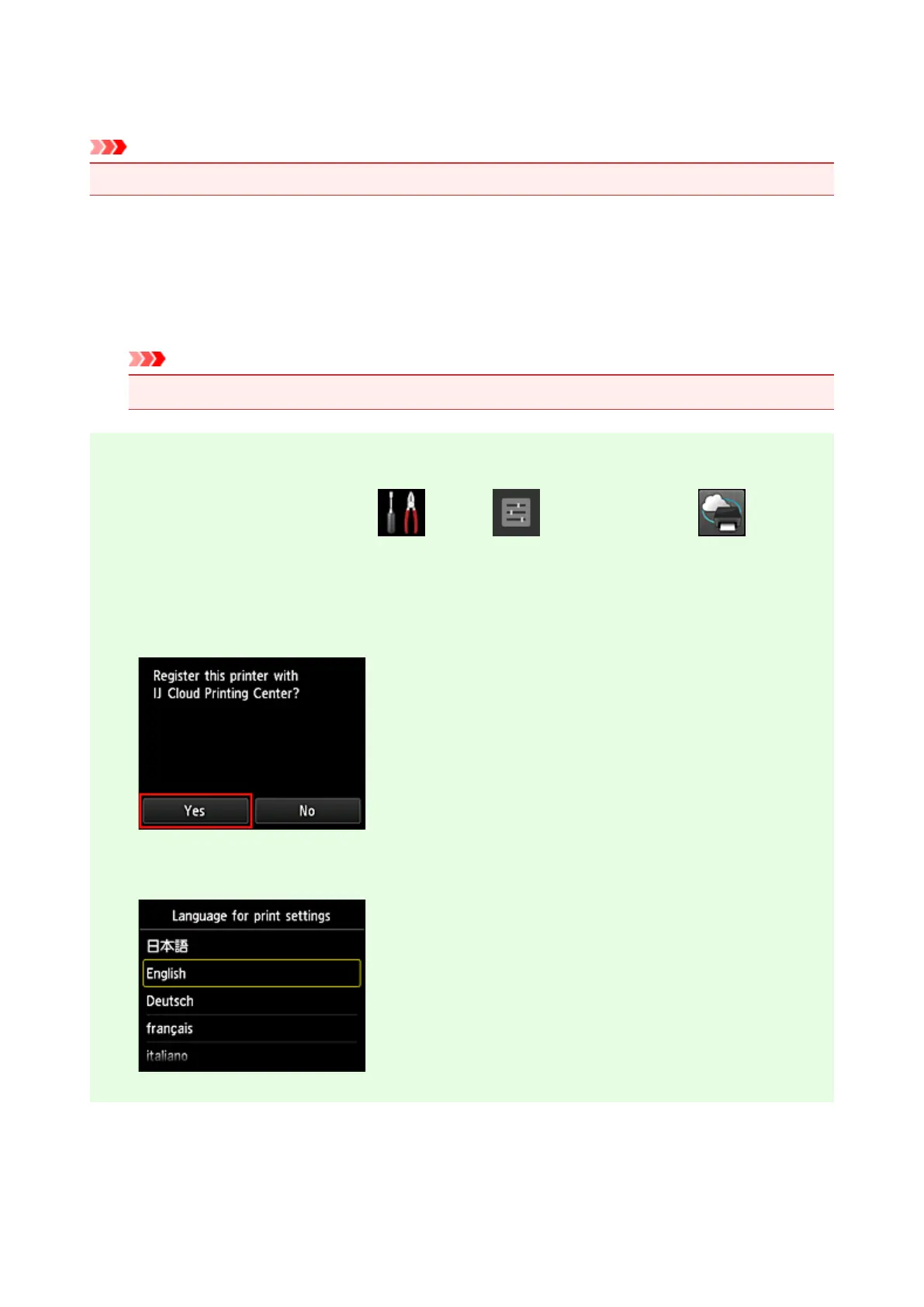
From the home window, select Setup ( Various settings) -> Web
service setup -> Web service connection setup -> IJ Cloud Printing Center setup ->
Register with this service
3.
In the registration confirmation window, Select Yes
4.
In the print settings, select the display language
104









 To Next Page