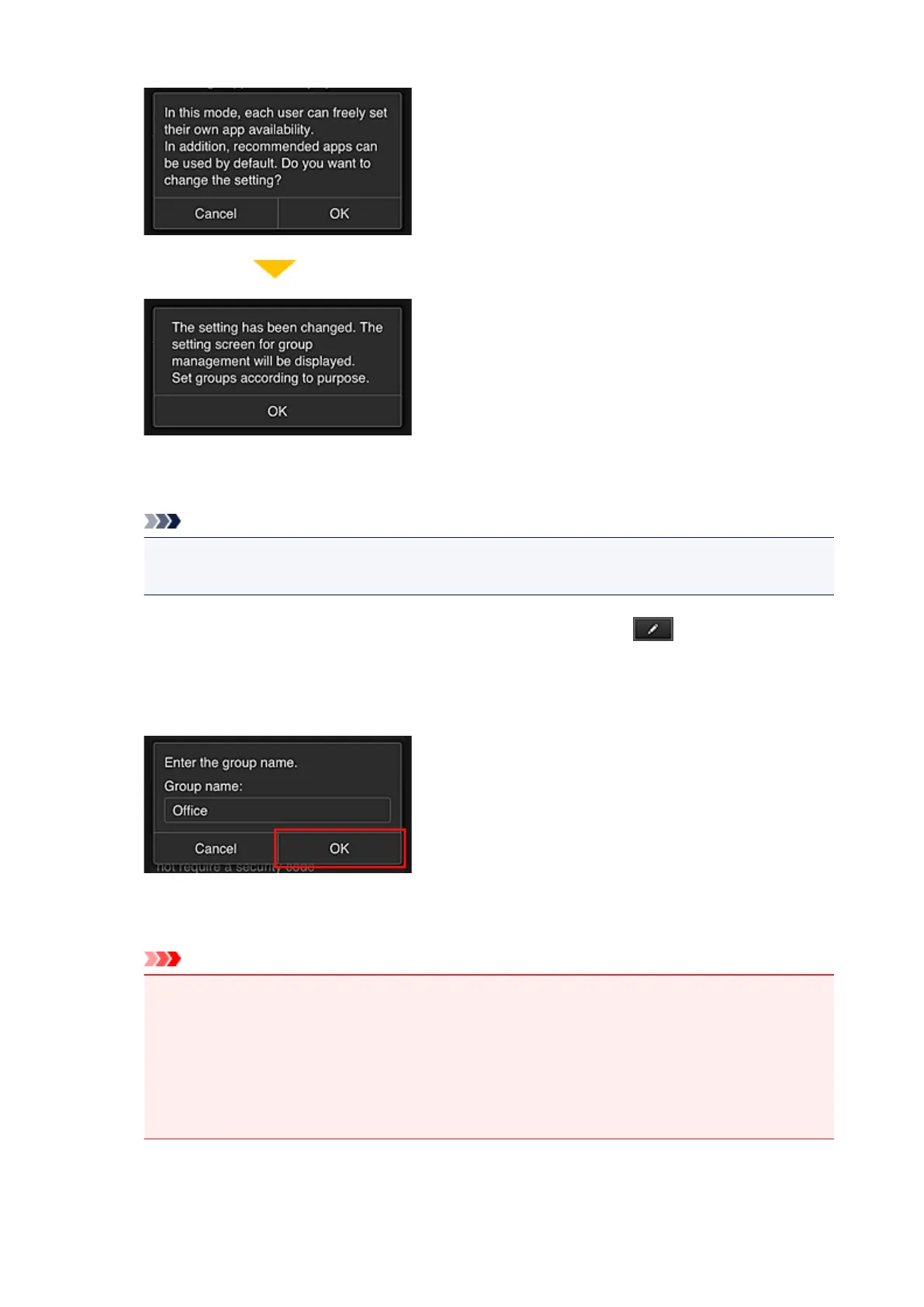
This appears only if the selected mode is Group management.
To complete the setup and display the Group management screen, select OK.
Note
•
With the default settings, the group is named "group1".
• With the default settings, all registered users belong to the same group.
8.
In the Group management screen, the senior clerk selects the of the group to be
renamed
9.
The senior clerk enters the Group name and selects OK
The chief clerk enters "Office" here because the clerk is setting up a group that everyone in the office
will use.
Important
•
The following restrictions apply to entering the Group name.
•
The group name can have up to 20 single-byte alphanumeric characters or up to 10 double-
byte characters.
•
The same group name cannot be registered more than once in the same domain.
•
Up to 20 groups can be registered.
•
The person who created the group becomes the Administrator.
140









 To Next Page