3.
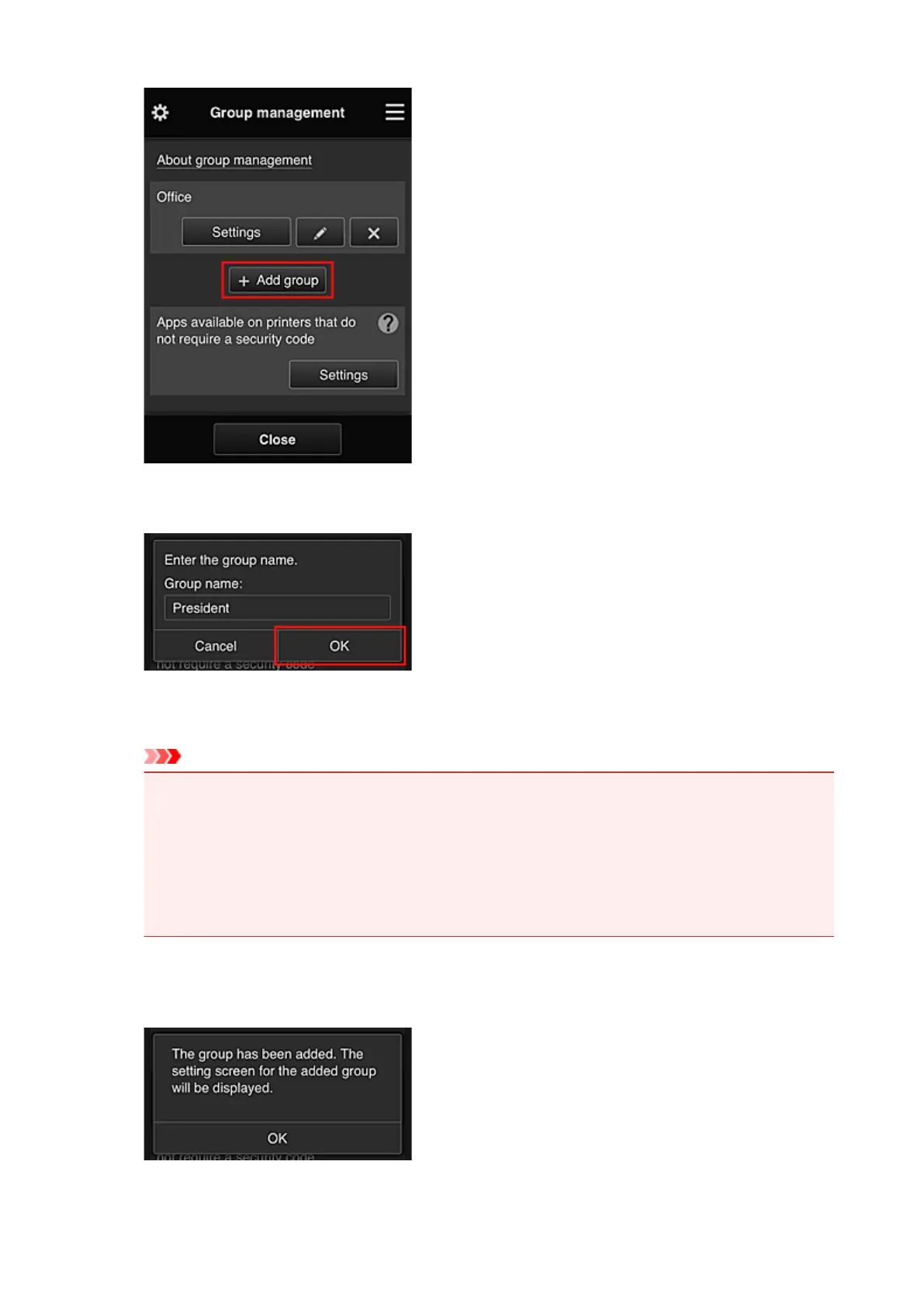
The senior clerk enters the Group name and selects OK
In this field, enter "President" as the president-only group because you will be setting apps that only
the president can use.
Important
• The following restrictions apply to entering the Group name.
• The group name can have up to 20 single-byte alphanumeric characters or up to 10 double-
byte characters.
• The same group name cannot be registered more than once in the same domain.
•
Up to 20 groups can be registered.
•
The person who created the group becomes the Administrator.
4. Follow messages displayed on screen, and select OK
The group setup screen appears.
144









 To Next Page