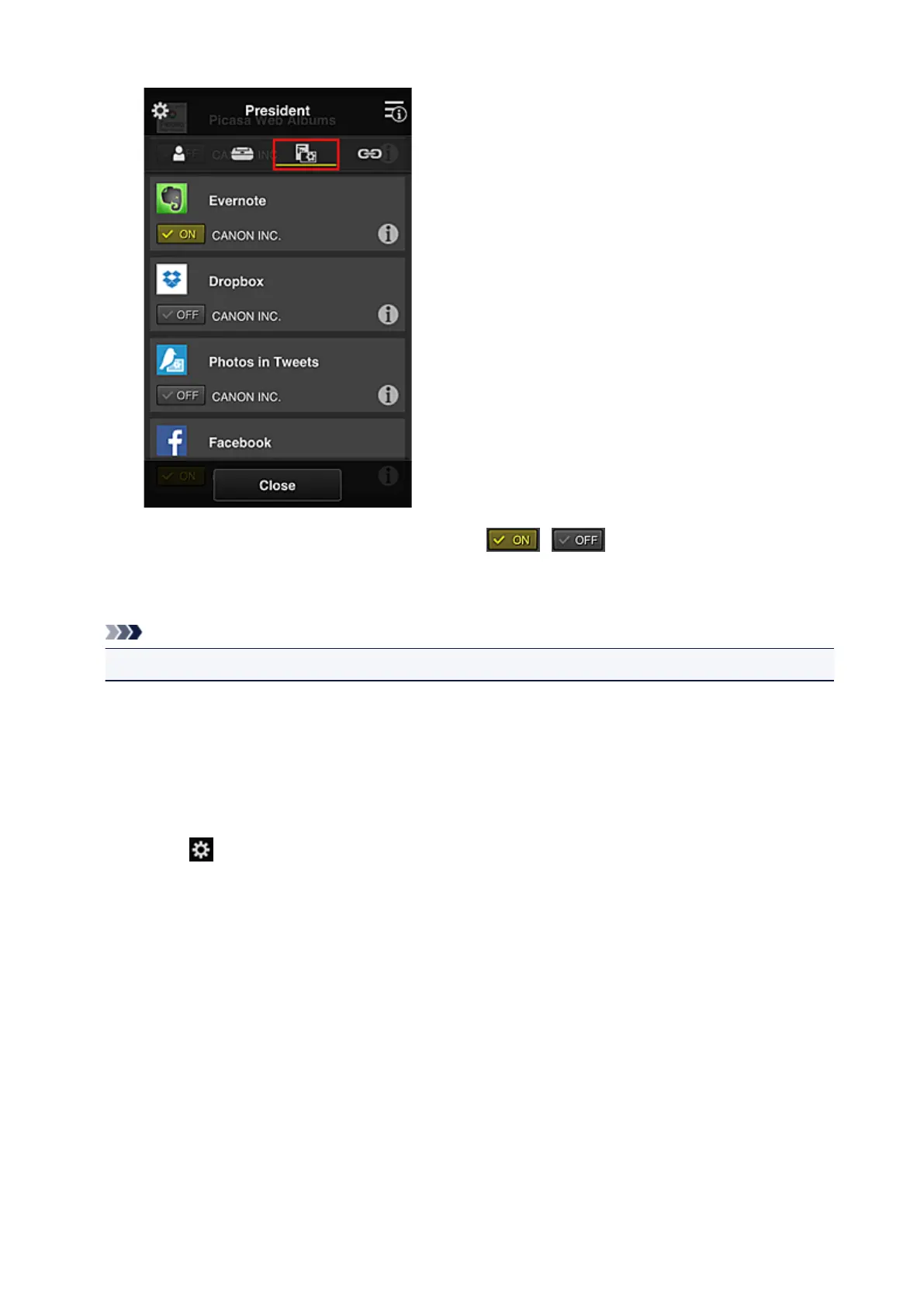
To switch between app registration/deletion, select / .
To return to the Group management screen, select Close.
The above procedure allows you to set apps that only the president can use.
Note
• The group setup screen displays all users and printers that are registered in the domain.
Limiting Apps That All Members Can Use on Printer
To set the apps to be used on the printer, use the following procedure provided by this service.
As an example, this section describes the procedure for allowing all users to use the Evernote app from
the printer.
1.
From , select Group management
146









 To Next Page