Important
•
The following character restriction applies to Security code entries:
• Up to 8 alphanumeric characters
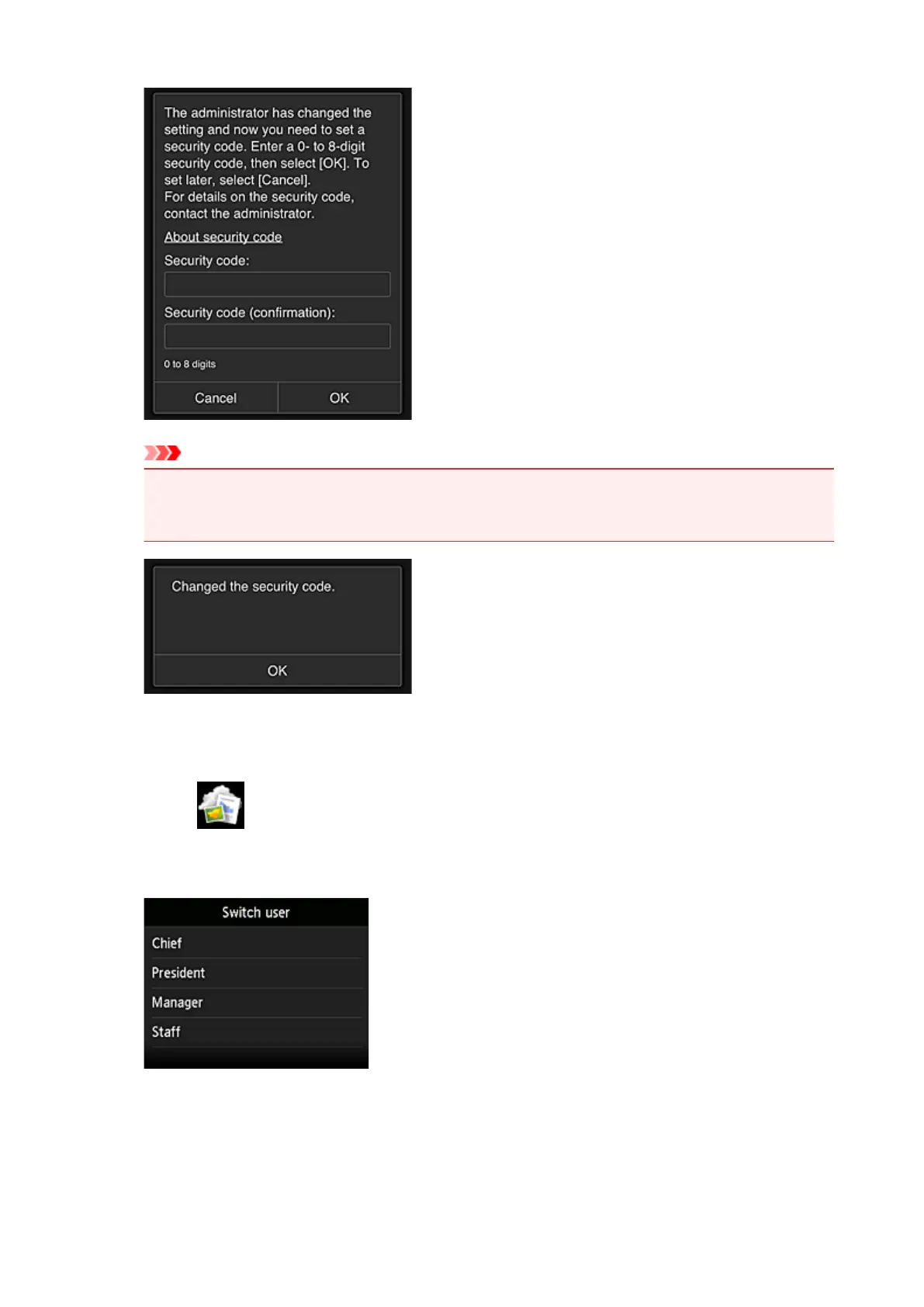
The Security code change process ends, and the change completion message appears.
In the message screen, select OK to return to the main screen.
5.
Select Cloud from the printer's home screen
6.
In Switch user screen, select user
7. Enter Security code that you set and Log in
151









 To Next Page