5.
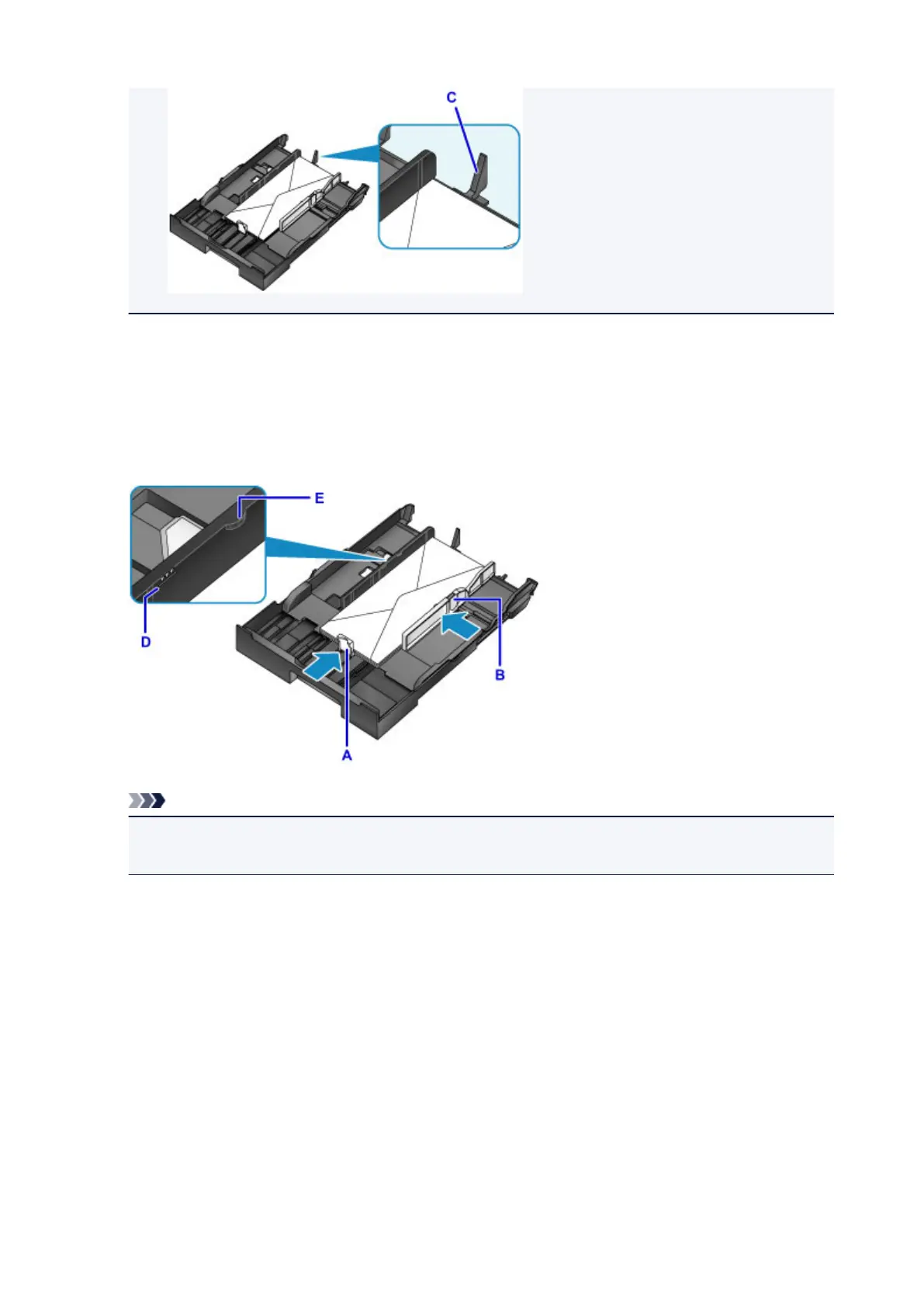
Align the front paper guide (A) with the edge of the envelopes.
6.
Slide the right paper guide (B) to align the right and left guides with both edges of the
envelopes.
Do not set the paper guides too firmly against the envelopes, which may cause feeding problems.
Note
• Do not load envelopes past the load limit mark (D).
• Keep the stack height below the paper guide tabs (E).
7. Insert the cassette.
Push the cassette into the machine until it stops.
After you insert the cassette, a screen for registering paper information for the cassette is displayed on
the touch screen.
182









 To Next Page