Load Multiple Originals on the platen glass
• When selecting Doc.type > Photo in Scan and specifying Scan size > Auto multi scan to scan
multiple originals
• When scanning multiple photos, postcards, or business cards from a computer
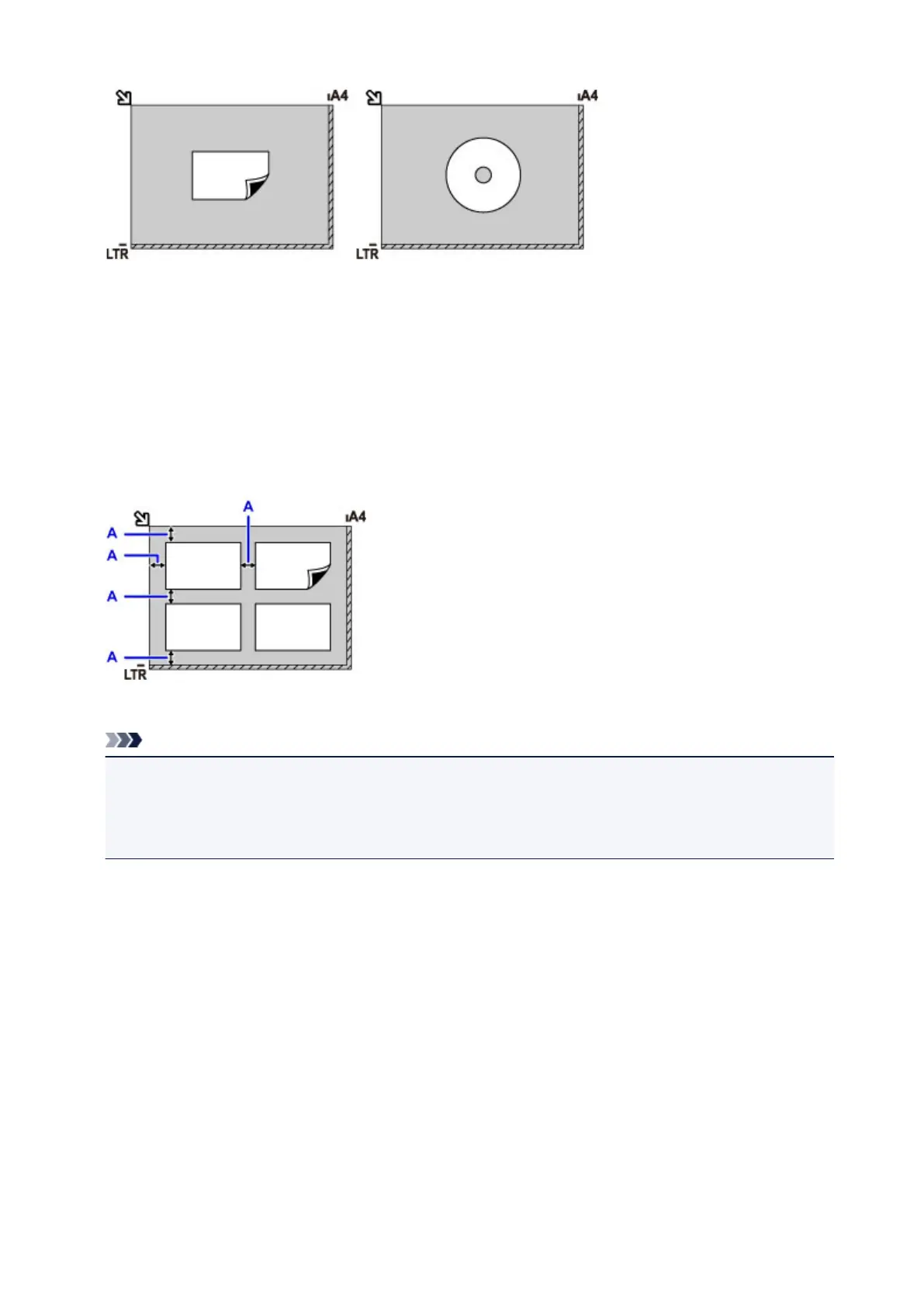
Load the originals face-DOWN. Leave at least 0.4 inch (1 cm) open between originals and from the edges
of the platen glass. The diagonally striped area is outside the scanning area.
You can load up to 12 originals at once.
A: At least 0.4 inch (1 cm)
Note
• Skew Correction automatically straightens images scanned from originals loaded askew (up to
approximately 10°). However, scans of photos with a long edge of 7.1 inches (180 mm) or more that
are loaded askew cannot be corrected.
• Non-rectangular or irregularly shaped photos (such as cut-out photos) may not be scanned correctly.
189









 To Next Page