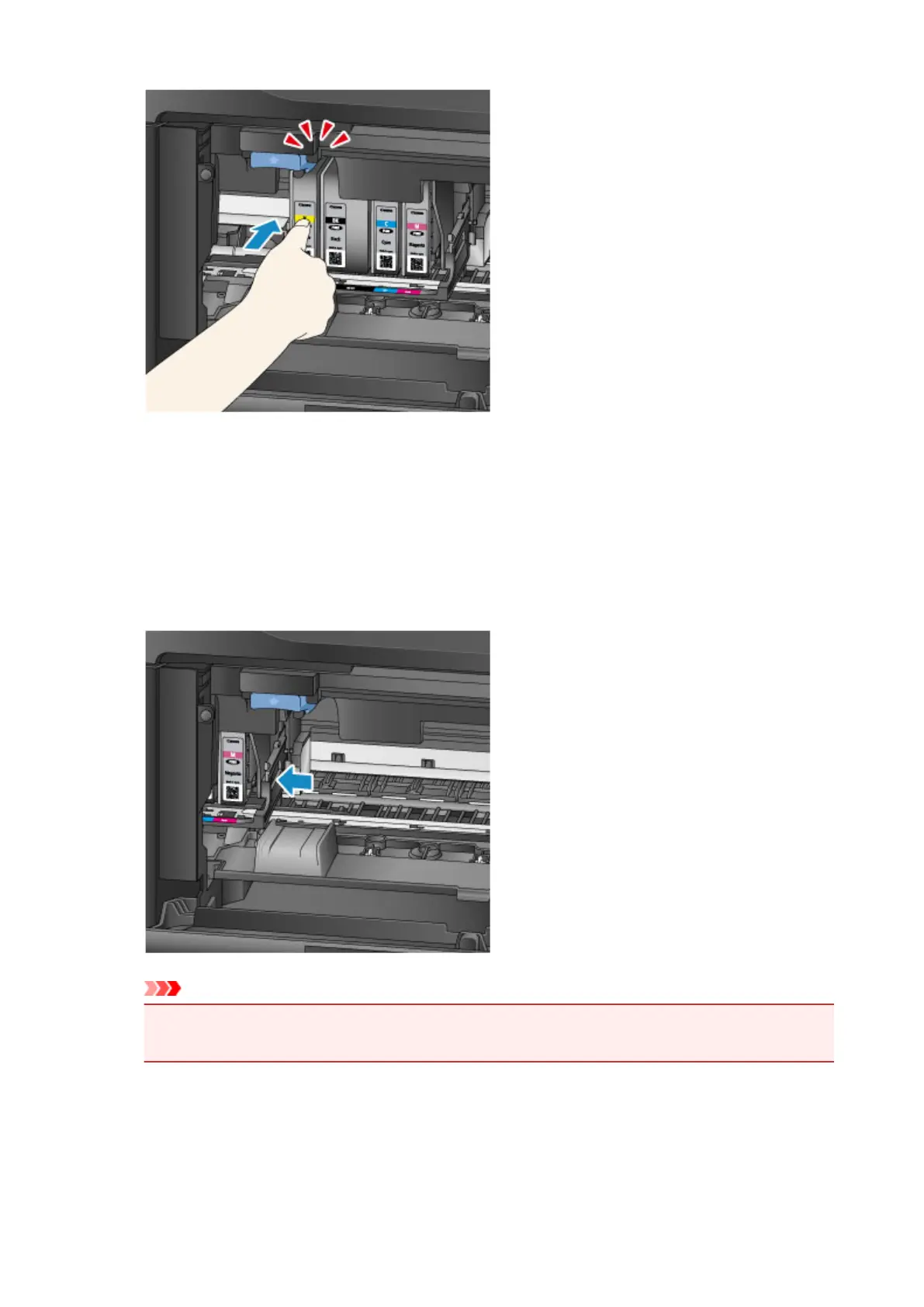
6.
Tap Exit on the touch screen.
If Next is displayed, another ink tank can be replaced.
To replace the next ink tank, tap Next and repeat this procedure from step 2.
To exit ink tank replacement, tap Next until Exit is displayed.
The print head holder moves to the standby position. The ink tanks cannot be removed from this
position.
Important
•
Printing is not possible without a complete set of ink tanks installed. Install all ink tanks.
•
Installed ink tanks cannot be removed until a replacement message appears.
7. Close the front cover.
199









 To Next Page