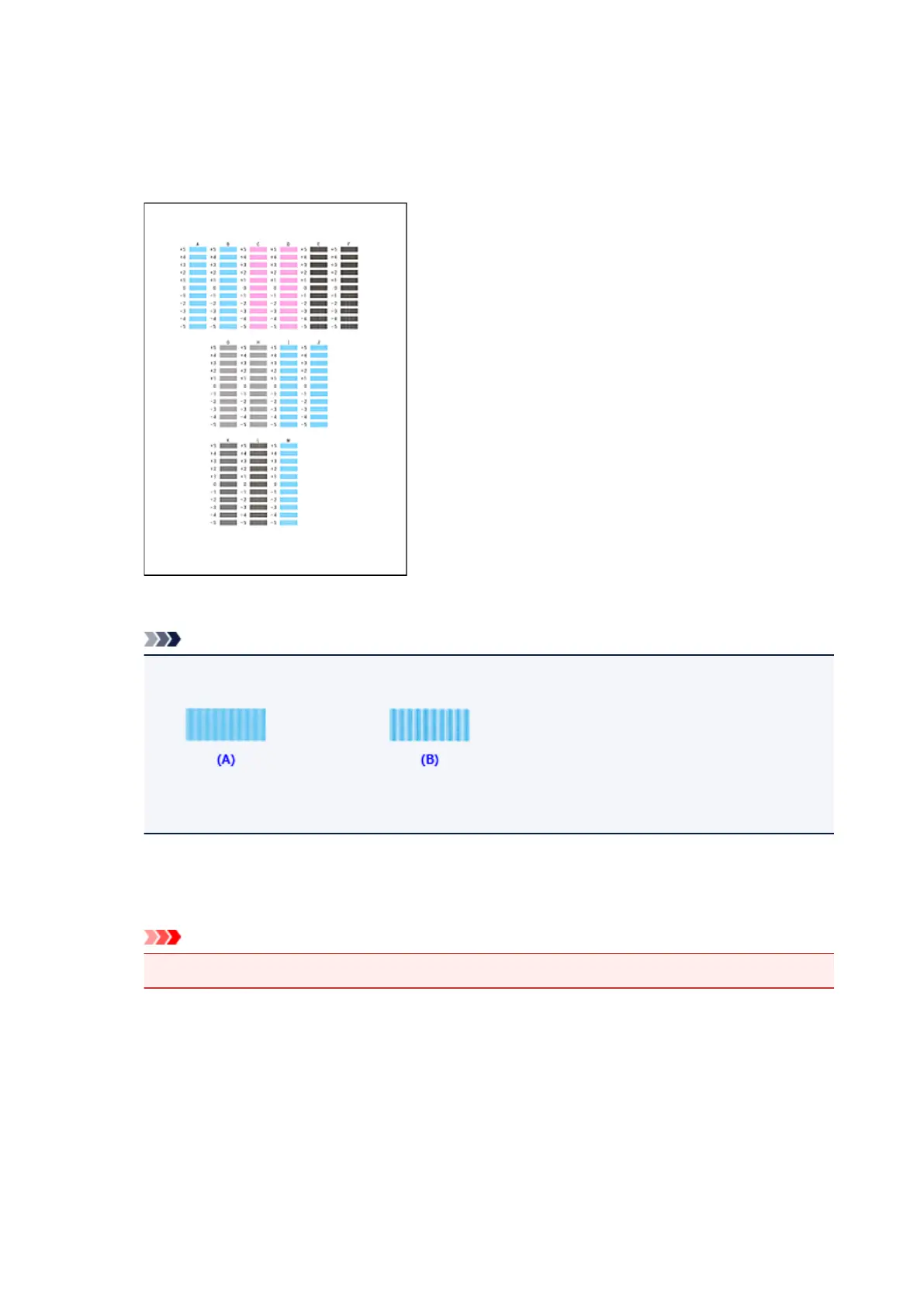
8. Check the printed pattern
Enter the numbers of the patterns with the least noticeable streaks in the associated boxes.
Even if the patterns with the least noticeable streaks are clicked in the preview window, their numbers
are automatically entered in the associated boxes.
When you have entered all the necessary values, click OK.
Note
• If it is difficult to pick the best pattern, pick the setting that produces the least noticeable vertical
streaks.
(A) Least noticeable vertical streaks
(B) Most noticeable vertical streaks
9.
Confirm the displayed message and click OK
The second pattern is printed.
Important
•
Do not open the front cover while printing is in progress.
10. Check the printed pattern
Enter the numbers of the patterns with the least noticeable stripes or streaks in the associated boxes.
Even if the patterns with the least noticeable stripes or streaks are clicked in the preview window, their
numbers are automatically entered in the associated boxes.
225









 To Next Page