(10) output tray extension
Pull out to support ejected paper.
(11) paper output support
Open to support ejected paper.
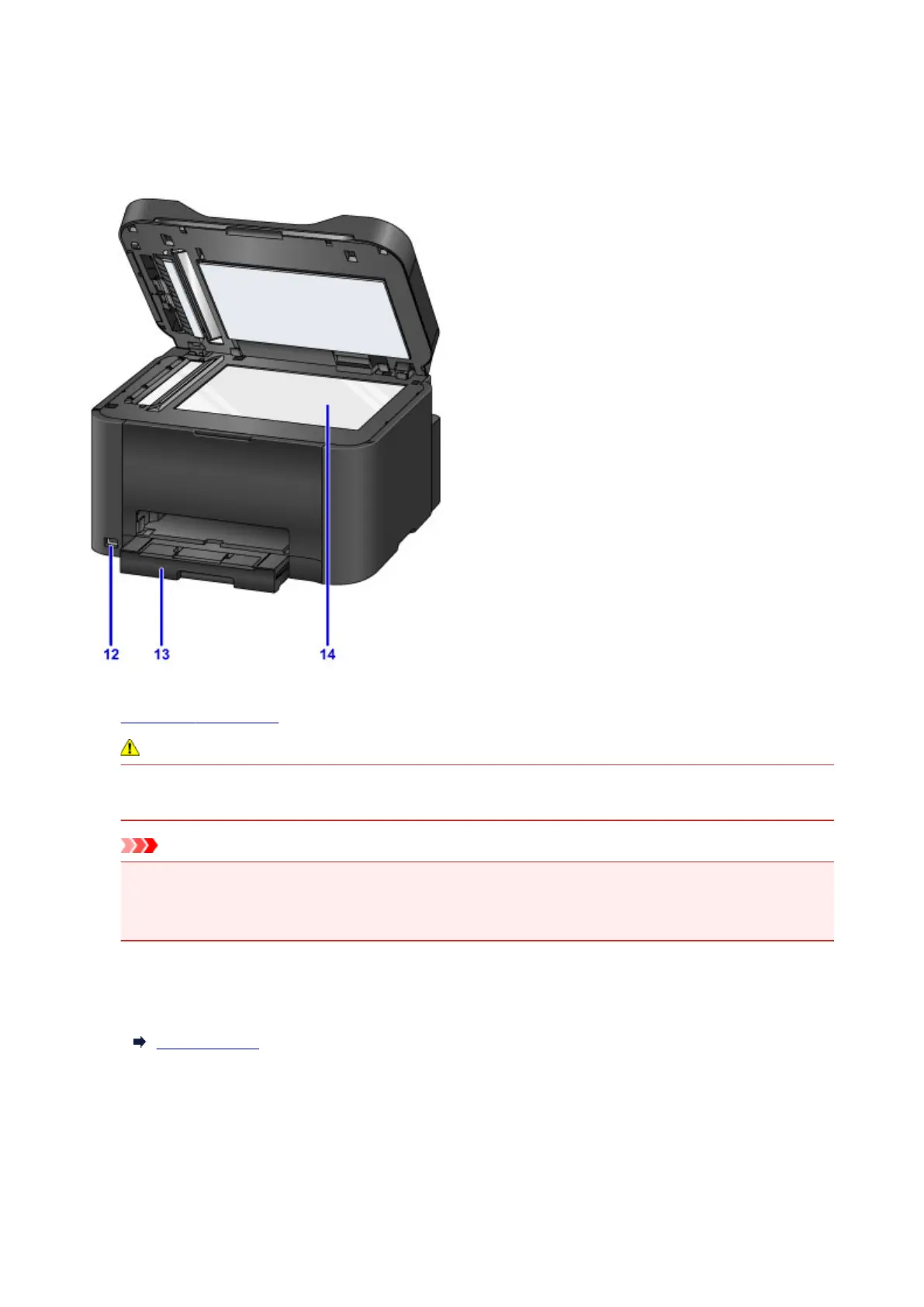
(12) USB flash drive port
Insert USB flash drives here.
Warning
• Do not connect any equipment other than USB flash drives to the machine's USB flash drive port.
This may cause fire, electric shock, or damage to the machine.
Important
• Do not touch any exposed metal parts.
• Do not connect USB cables longer than 10 feet (3 meters), which may affect operation of other
peripherals.
(13) cassette
Load paper here. Load a stack of the same size and type of paper, which will be fed automatically one
sheet at a time.
Paper Sources
(14) platen glass
Load originals here.
263









 To Next Page