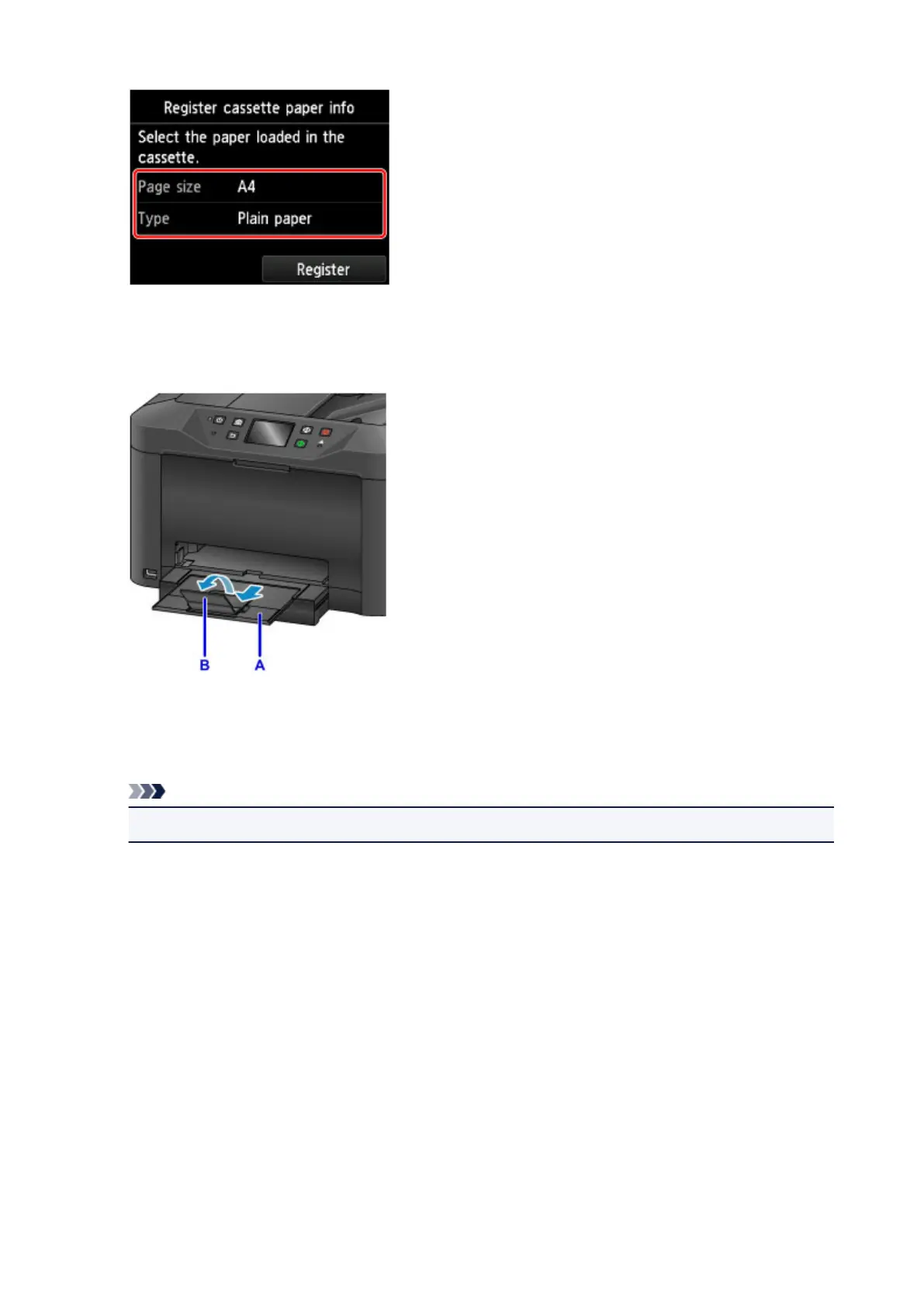
Follow the instructions of any messages displayed to register the paper information.
6.
Pull out the output tray extension (A) and open the paper output support (B).
7.
In the application, select Print.
You can often access the Print dialog by selecting Print... in the File menu.
Note
• For detailed instructions on operation, refer to the application user manual.
8.
Select the model name and click Printer list.
Click Show Details to switch the Setup window to the detailed display.
40









 To Next Page